How Do an Oracle Database and an Instance Differ? See the Difference in One Diagram
A Database is a set of files. An Instance contains memory and processes that work with those files. Stopping an Instance does not make the files disappear.
If the Instance stops running, does the data in the Database disappear too?
No. But the phrase “the Database has stopped” can make it easy to think of the data files and the running components as the same thing. Separate these two parts first, and system status becomes easier to understand.
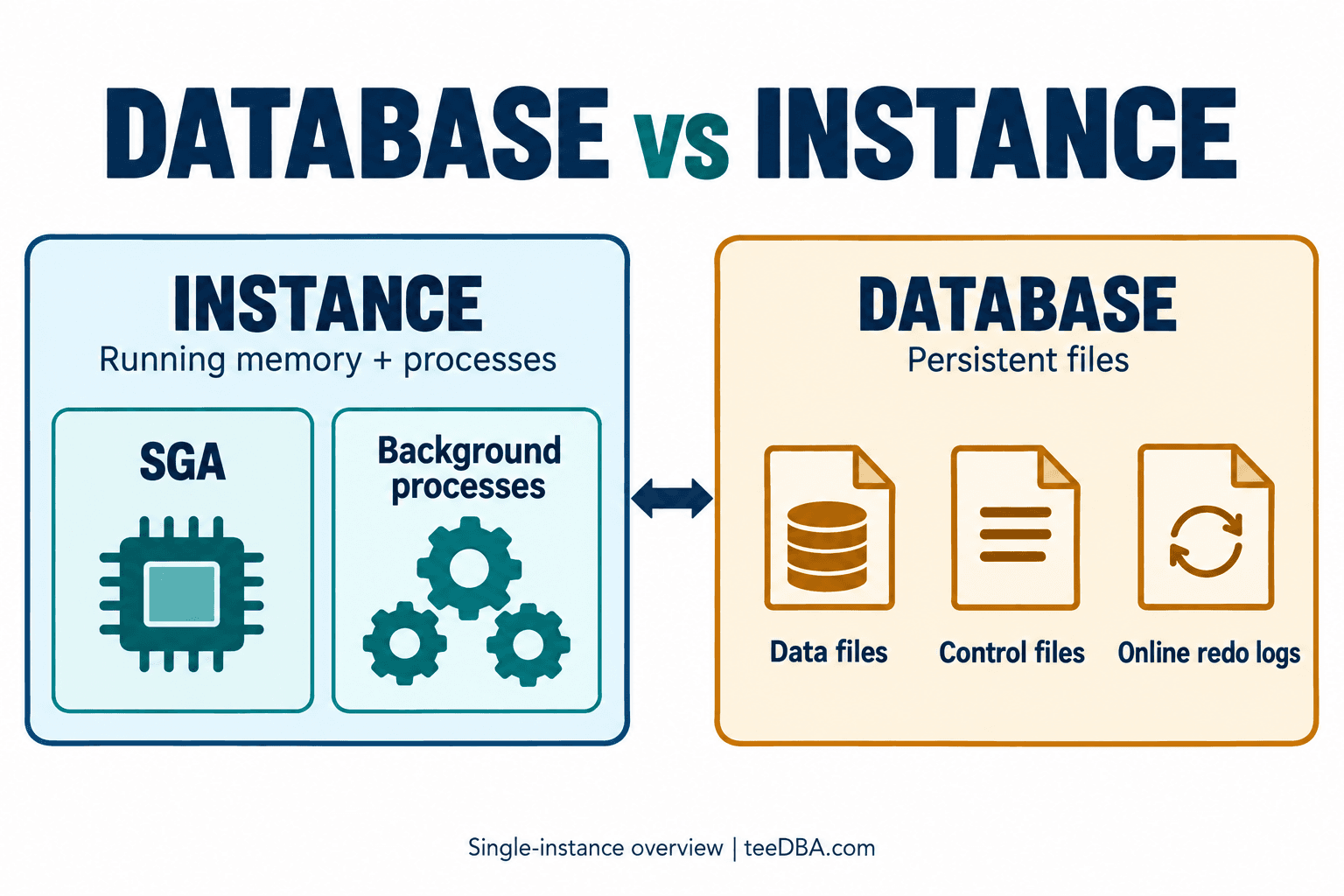
In this diagram, Database means the set of files Oracle uses to store data and manage the database. An Instance is the part that starts up to manage those files. It contains shared memory called the SGA (System Global Area) and background processes, which are processes that run in the background.
| If you are looking at... | Think of... | Examples in the diagram |
|---|---|---|
| Database | The files the database uses | data files, control files, online redo logs |
| Instance | The components running and working with the files | SGA, background processes |
A data file stores data. The SGA is memory the Instance uses to do its work, including holding some data temporarily. They are different kinds of storage.
Take a guess first: if the Instance stops, does the data file disappear? The file does not disappear simply because the Instance stops. But ordinary users still cannot access the Database through an Instance that has stopped. The running components must be ready, and the Database must be in a usable state.
Check the Status of the System You Are Connected To
If you are already connected and your account has permission to read Oracle's status views, try asking about the Instance first.
SELECT instance_name, status
FROM v$instance;
Output from the example system:
INSTANCE_NAME    STATUS
---------------- ------------
cdb              OPEN
instance_name gives the Instance name, while status in this example is OPEN. Then ask about the Database with a separate command.
SELECT name, open_mode
FROM v$database;
Output from the same example system:
NAME      OPEN_MODE
--------- --------------------
CDB       READ WRITE
name is the Database name, and open_mode shows the mode in which it is open. These two sets of results show the status at the time of the connection and command execution. The names or statuses on your system may differ. If you cannot connect, you cannot use these two commands to check through a normal session either.
There is one more point to remember: this diagram separates the basic components. It does not mean that every Database can have only one Instance. In an Oracle RAC system, one Database may have several Instances working together.
The next time you hear “the Database is unavailable,” try clarifying what that means first: is the connection failing, is the Instance not ready, or is the Database not open yet? Identify exactly what you are seeing, then investigate the cause.
Read more topics in the Oracle articles on teeDBA.com.
Related articles
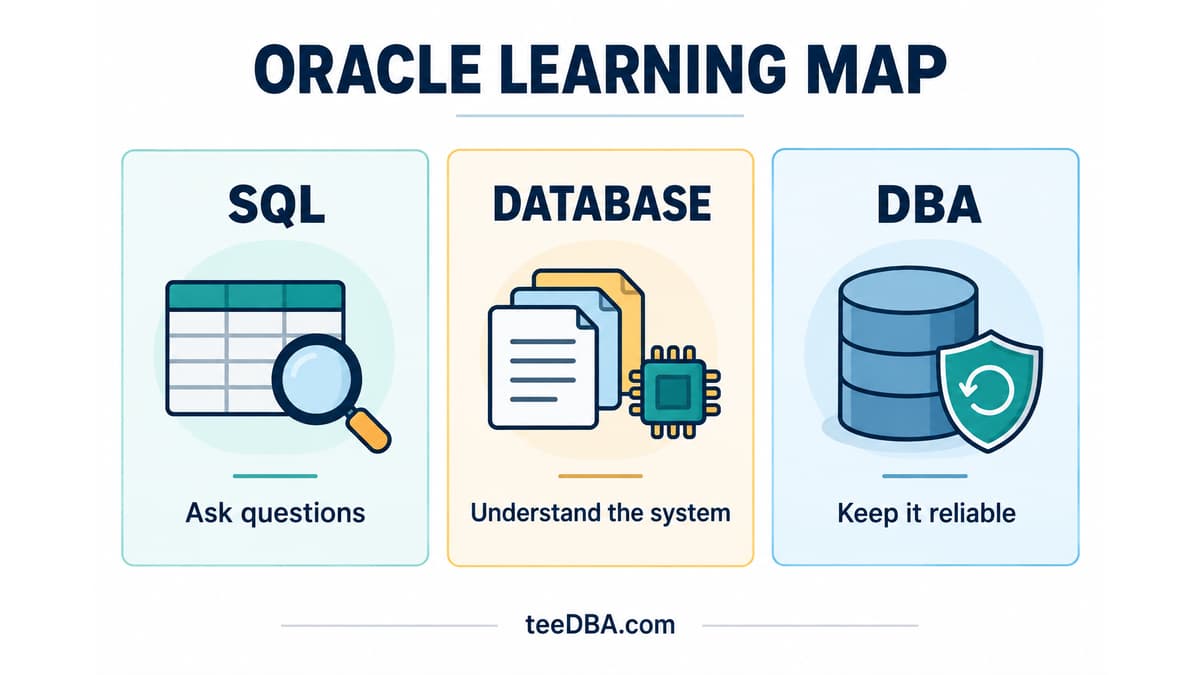
Not Sure Where to Start with Oracle? Pick One Task
Not sure where to start with Oracle? Use three sample orders to practise SQL, then choose database and DBA topics that fit your work.
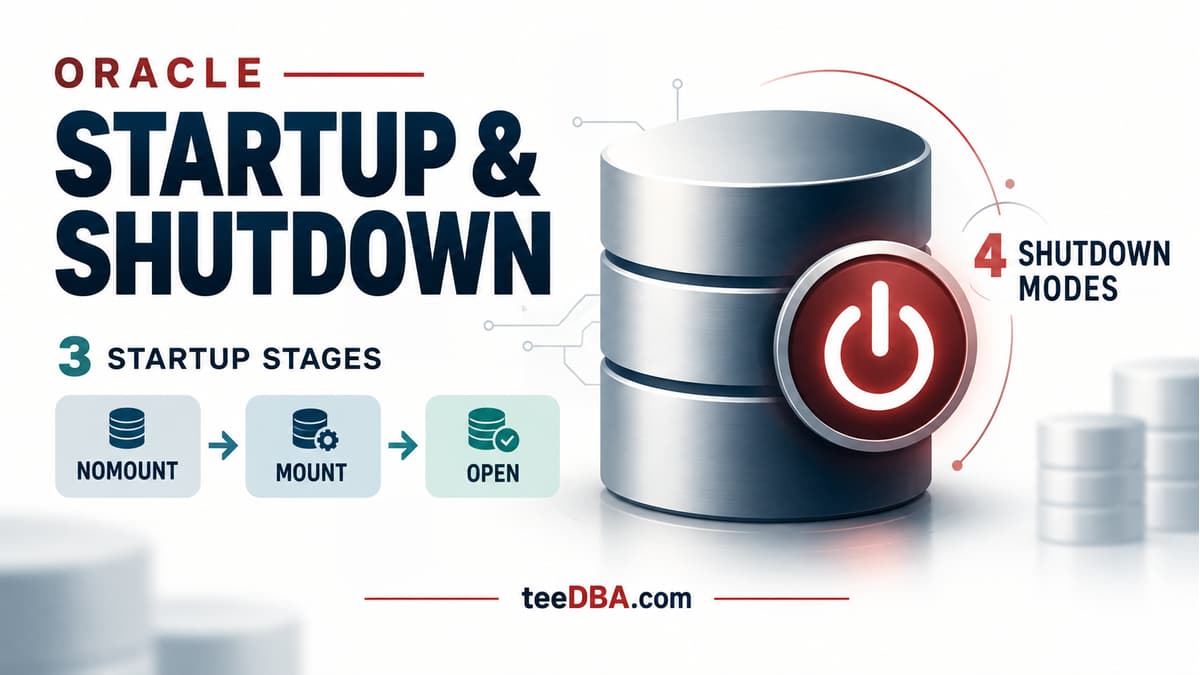
Oracle STARTUP and SHUTDOWN: what happens at each stage?
Understand NOMOUNT, MOUNT and OPEN, the four shutdown modes, and why SHUTDOWN ABORT requires instance recovery.
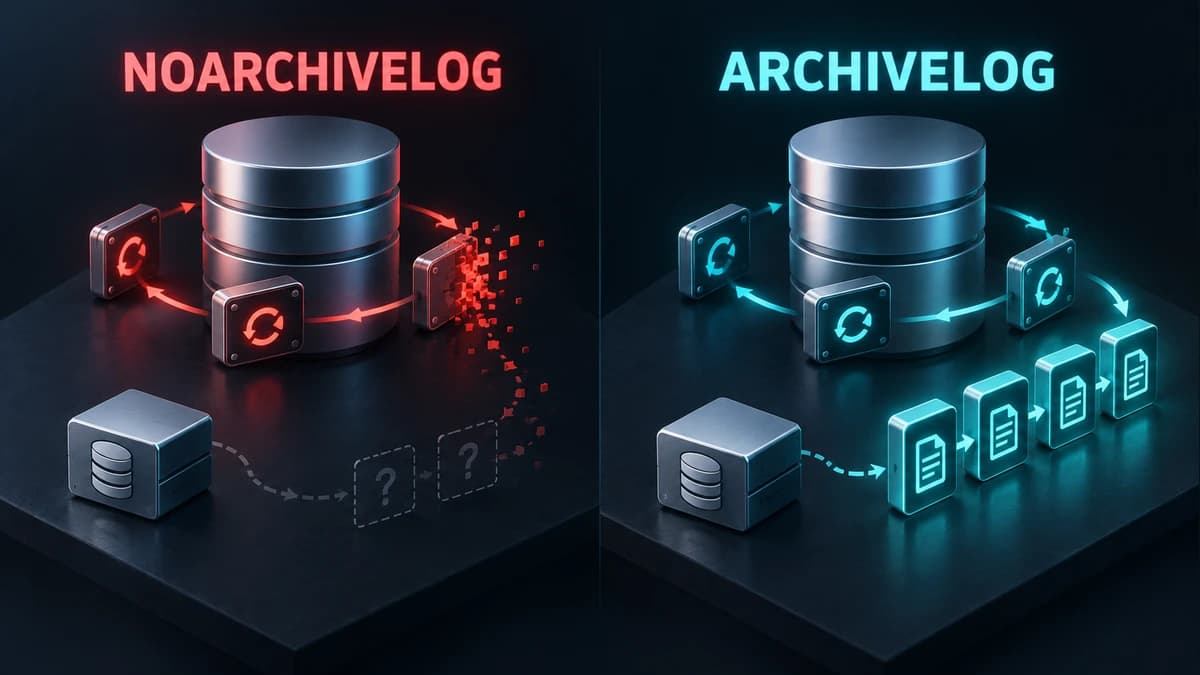
Check ARCHIVELOG mode before you need to recover
Understand ARCHIVELOG and NOARCHIVELOG, check your database mode, and plan the switch before a recovery incident.