Check ARCHIVELOG mode before you need to recover
NOARCHIVELOG reuses redo logs without archiving them, limiting recovery to the available backup. ARCHIVELOG preserves redo history needed for point-in-time recovery and online backups. Enable it while mounted, then manage archive storage, deletion through RMAN, and recovery practice.
It's Friday afternoon. A developer intends to drop a test user before reloading data from production, but connects to the wrong place and drops the real production user instead.
The developer rushes to the DBA:
“Can we recover to an hour ago?”
The DBA checks the system and discovers that it runs in NOARCHIVELOG mode. The available recovery point is last night's backup; today's work isn't covered. This isn't about the DBA's skill. That recovery option was ruled out by a configuration decision made when the database was installed.
A quick reminder about redo logs
Oracle records changes in redo logs.
But the number of online redo logs is limited. Imagine three files: when the first fills, Oracle moves to the second, then the third. What happens when all three have been used?
Oracle eventually cycles back and reuses the first. Once those earlier changes are overwritten, that online redo history is no longer available for recovery.
How the two log modes differ
NOARCHIVELOG reuses redo without archiving the old contents. The earlier history disappears as the logs cycle. In the situation described above, we can restore the available backup, but cannot recover to a chosen later time.
ARCHIVELOG copies the redo before reusing it. That copy is an archived log. With the required backup and complete redo history, point-in-time recovery becomes possible. Archiving also enables backing up the database while it remains open.
Think of ARCHIVELOG as security-camera footage. On an ordinary day it seems to consume storage for no immediate benefit. When something goes wrong, that retained history is what lets us go back.
Check whether ARCHIVELOG is enabled
SELECT log_mode FROM v$database;

-- LOG_MODE
-- NOARCHIVELOG
If you see this on a production database, plan the change promptly. Production databases generally need ARCHIVELOG. NOARCHIVELOG is better suited to disposable test or practice systems where the data can be recreated.
Try a full database backup while that NOARCHIVELOG database is open and you'll encounter the restriction directly:
RMAN> BACKUP DATABASE;

RMAN-03009: failure of backup command
ORA-19602: cannot backup or copy active file in NOARCHIVELOG mode
A NOARCHIVELOG database cannot be backed up this way while open. A system that must remain available can't simply be shut down for every backup.
Enable ARCHIVELOG mode
The commands are short, but you need a maintenance window because the database must return to MOUNT. Allow for the actual shutdown and startup time of your system.
SHUTDOWN IMMEDIATE;
STARTUP MOUNT;
ALTER DATABASE ARCHIVELOG;
ALTER DATABASE OPEN;

SELECT log_mode FROM v$database;
-- LOG_MODE
-- ARCHIVELOG
Oracle will now archive redo automatically.
Enabling it is only the beginning: three more responsibilities
Provide enough storage. Archived logs accumulate according to the workload. Size and monitor the destination. If Oracle can no longer archive because space is exhausted, database work can stall.
Delete through the right tools. Use Oracle's backup tools, such as RMAN, to manage deletion of logs that have been backed up and are eligible under your recovery policy. Don't remove them casually by hand: the backup repository may still believe they're available.
Practice recovery. This is the step people most often skip. Having archived logs without ever rehearsing a recovery still leaves a risk. Practice on a test system at least once a year.
Two questions that always follow
“Will archiving slow the system down?” Copying redo is handled by background processes separately from the user's foreground work. On typical systems the impact is not noticeable. Very write-heavy systems need enough I/O capacity for the archive destination. Compared with the recovery risk of leaving archiving disabled, the trade-off is worthwhile.
“Do I need to buy an extra option?” ARCHIVELOG is a standard Oracle capability, not an additional paid option. When a production system still runs in NOARCHIVELOG, the reason is often that nobody revisited the installation settings, rather than an extra purchase being required.
Summary
Recovery capability is determined before the incident, not when it happens. NOARCHIVELOG limits the recovery options available from backups. ARCHIVELOG preserves the redo history needed for recovery to a chosen point, alongside the required backups.
The switch takes only a few commands, but storage management, proper deletion and recovery practice are part of the job too.
Check the database you look after. One query tells you its current mode.
I write about Oracle and SQL every week, from short tips to common practical problems. You can follow my teeDBA Facebook page.
Related articles
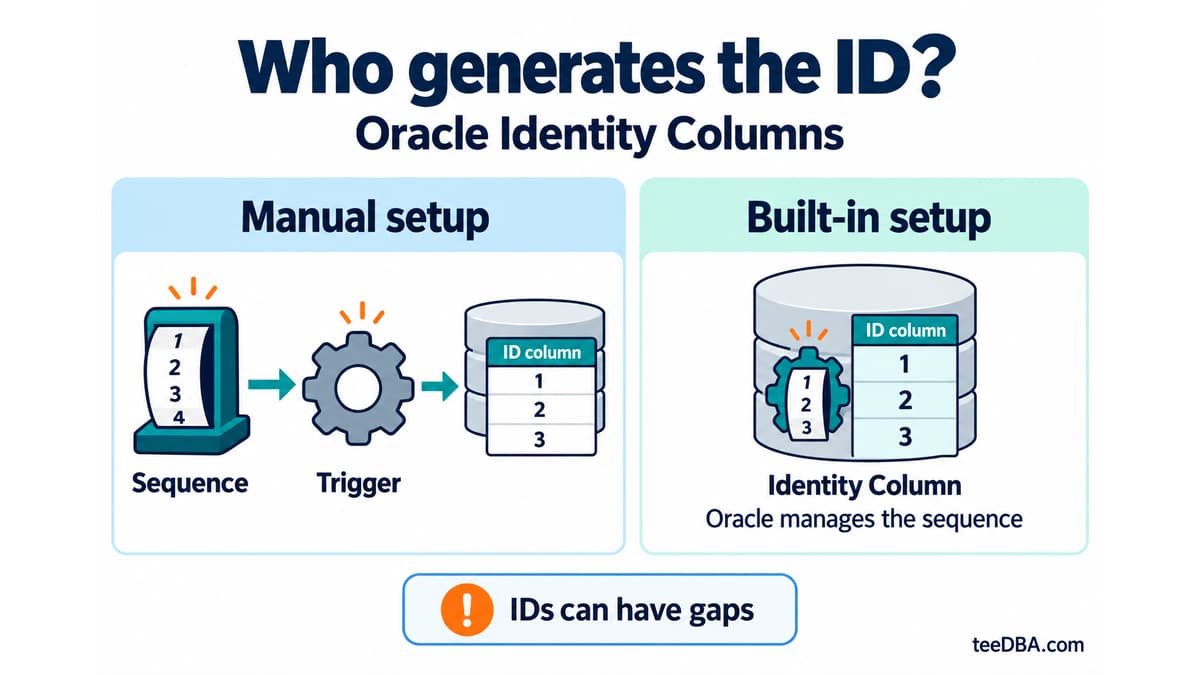
Auto-increment in Oracle without a trigger: Identity Columns
Use Identity Columns in Oracle 12c and later instead of managing a sequence and trigger. Learn the three generation modes and what to check during migration.
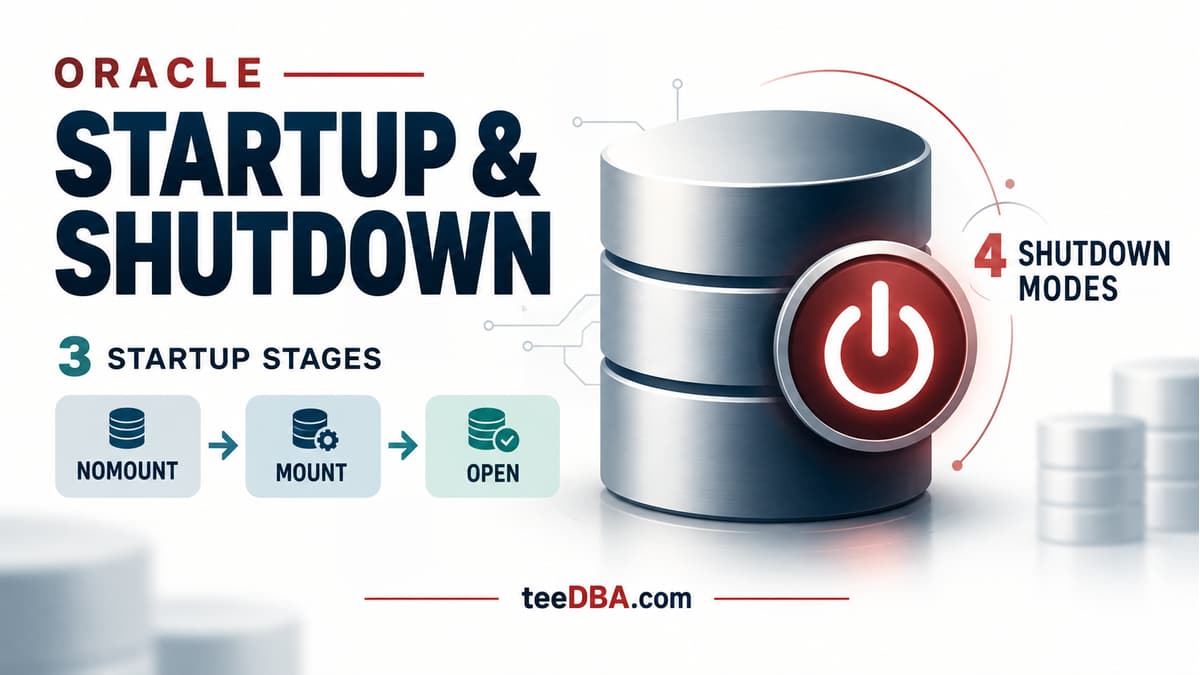
Oracle STARTUP and SHUTDOWN: what happens at each stage?
Understand NOMOUNT, MOUNT and OPEN, the four shutdown modes, and why SHUTDOWN ABORT requires instance recovery.