Oracle STARTUP and SHUTDOWN: what happens at each stage?
STARTUP creates the instance at NOMOUNT, reads the control files at MOUNT, and opens the datafiles at OPEN. Maintenance tasks sometimes require stopping at an intermediate stage. Use SHUTDOWN IMMEDIATE normally; ABORT requires instance recovery on the next startup, using redo to recover committed work.
Two questions come up almost every time I teach database administration:
“Will SHUTDOWN ABORT lose my data?” and “Why does STARTUP have several stages? Can't we just turn it on?”
Neither question is difficult to answer. But plenty of people use these commands as memorized recipes. When a problem requires starting the database one stage at a time, they don't know how to continue. Let's look at what happens inside.
First, an instance and a database are different things
This is a frequent source of confusion, so let's establish the distinction.
The database is the collection of files on disk: datafiles containing the data, redo logs recording changes, and control files describing where the files are. Those files remain when the machine is switched off.
The instance is the memory and group of processes running on the machine. It works with those files on our behalf. When the machine stops, the instance disappears.
Think of a library. The books on its shelves are the database. The librarian and the work desk are the instance. The books still exist when nobody is there, but without the librarian there's nobody to retrieve them for us.
With that distinction in mind, STARTUP becomes much easier to follow.
STARTUP progresses through three stages
STARTUP NOMOUNT;   -- ขั้น 1
STARTUP MOUNT;     -- ขั้น 2
STARTUP;           -- ขั้น 3 คือ OPEN เป็นค่าปกติ
NOMOUNT: Oracle reads the configuration and creates the instance, allocating memory and starting the background processes. At this point, it hasn't mounted a database. It knows how the instance should be configured.
MOUNT: Oracle reads the control files and learns where the database files are. It hasn't opened them for users yet. The librarian now knows which shelves hold the books, but the library doors are still closed.
OPEN: Oracle opens the datafiles and redo logs, checks their consistency, and makes the database available.
Normally, a plain STARTUP goes through all three stages automatically. Why stop partway? Some maintenance tasks need an intermediate state. Enabling ARCHIVELOG mode, for example, requires MOUNT.
STARTUP MOUNT;
ALTER DATABASE ARCHIVELOG;
ALTER DATABASE OPEN;
Restoring a control file requires NOMOUNT; the datafile-moving procedure discussed here uses MOUNT. If we don't understand these stages, it's hard to see why a maintenance command is being rejected.
Watch the changes in a lab
On a test machine, run the following and observe how STATUS changes.
SHUTDOWN IMMEDIATE;

STARTUP NOMOUNT;
SELECT status FROM v$instance;   -- STARTED

ALTER DATABASE MOUNT;
SELECT status FROM v$instance;   -- MOUNTED

ALTER DATABASE OPEN;
SELECT status FROM v$instance;   -- OPEN
We can advance one stage at a time with ALTER DATABASE without restarting. But we can't simply go backward from OPEN to MOUNT. We need to shut down and start again at the required stage. That's why enabling archiving needs a planned maintenance window.
The first code block lists alternative STARTUP commands; this lab block shows the step-by-step sequence. Comments in the code are retained from the Thai source.
Four shutdown modes, four levels of patience
SHUTDOWN NORMAL;
SHUTDOWN TRANSACTIONAL;
SHUTDOWN IMMEDIATE;
SHUTDOWN ABORT;
NORMAL waits for everyone to disconnect. Polite in theory, but if someone leaves a session open and goes to lunch, we're left waiting.
TRANSACTIONAL waits for active transactions to finish, then disconnects the sessions.
IMMEDIATE disconnects sessions, rolls back uncommitted work, and shuts down cleanly. This is the usual choice. A clean shutdown avoids instance recovery on the next startup.
ABORT stops the instance immediately, like pulling the plug. It doesn't perform a clean shutdown or roll back the outstanding work first.
Does ABORT lose committed data?
Committed changes aren't lost simply because we issue ABORT.
The reason is redo. When a commit completes in the behavior described here, its redo has been written before Oracle reports success. Even if the instance then stops unexpectedly, the recorded changes remain. On the next startup, Oracle uses redo during instance recovery; uncommitted work is rolled back according to transaction rules.
What we pay for is time. Recovery on the next startup may take a while when there's a lot of work to process. Making ABORT a habit can leave us with an unexpectedly long restart at an inconvenient moment.
The rule I teach is simple: use IMMEDIATE normally. Keep ABORT as the last resort when IMMEDIATE is genuinely stuck.
Two follow-up questions
“IMMEDIATE has been waiting a long time. What should I do?” A large rollback may still be running, or a session may be in an unusual state. Open another terminal and inspect the alert log first. If ABORT is genuinely necessary, accept that the next startup may take longer. That's better than waiting without understanding why.
“What is STARTUP FORCE?” It combines ABORT and STARTUP in one command. It's useful when the instance is stuck, but its implications are the same as stopping abruptly and restarting. Treat it with the same care as ABORT.
Summary
NOMOUNT creates the instance, MOUNT reads the control files, and OPEN makes the database available. These intermediate stages matter because maintenance work often needs to stop partway.
Use SHUTDOWN IMMEDIATE as your normal choice. ABORT doesn't by itself erase committed changes, but it trades a quick stop for recovery time on the next startup. To check the current stage, ask Oracle with SELECT status FROM v$instance.
I write about Oracle and SQL every week, from short tips to common practical problems. You can follow my teeDBA Facebook page.
Related articles
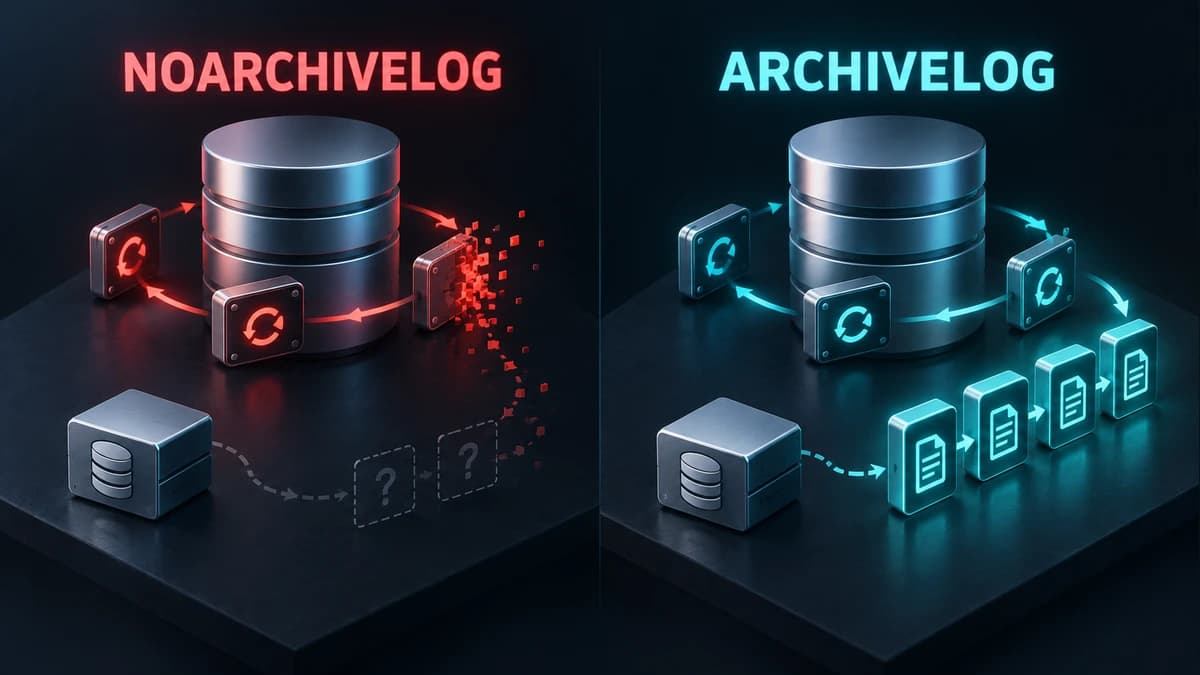
Check ARCHIVELOG mode before you need to recover
Understand ARCHIVELOG and NOARCHIVELOG, check your database mode, and plan the switch before a recovery incident.
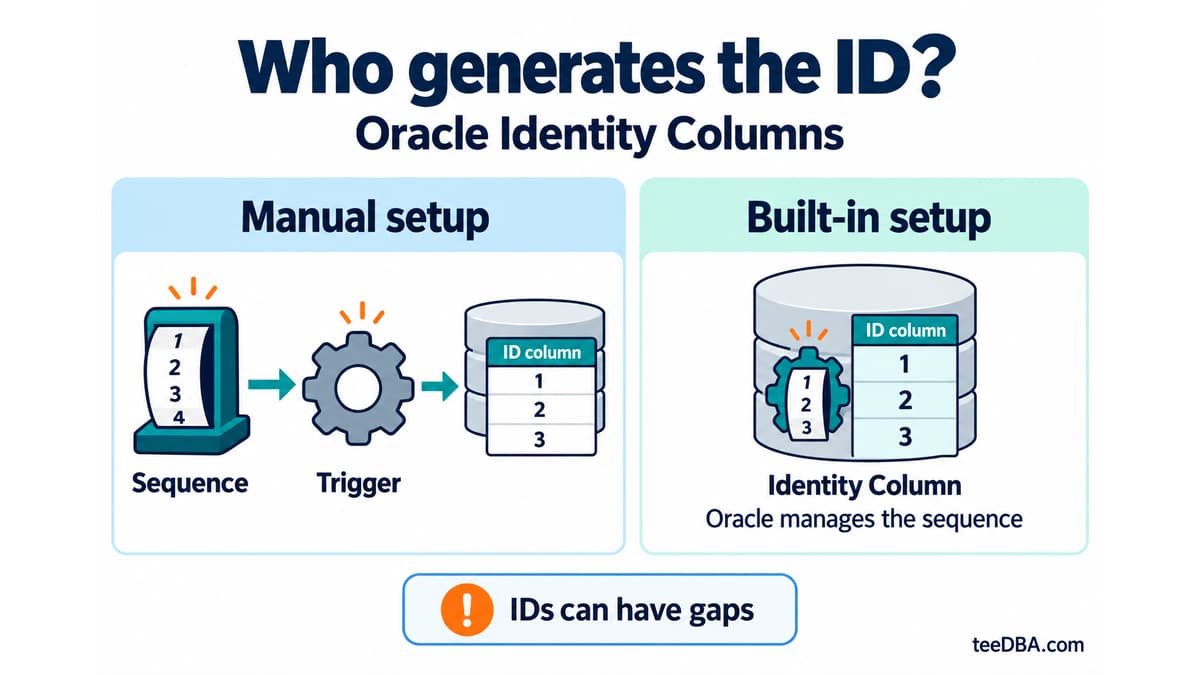
Auto-increment in Oracle without a trigger: Identity Columns
Use Identity Columns in Oracle 12c and later instead of managing a sequence and trigger. Learn the three generation modes and what to check during migration.