Not Sure Where to Start with Oracle? Pick One Task
Pick one task, practise SQL with data you can check yourself, then add database, instance, and DBA topics as you need them.
You want to learn Oracle, but the list of topics keeps growing. Should you start with queries, learn how the database works, or focus on looking after the system? Trying to cover everything at once can make it hard to see what you’ll actually use.
Start with one task you want to do. For example, “Which orders have been paid, and how much have we received?” That gives us a reason to practise SQL, the language used to query and manage data in a database.
Start with an Answer You Can Check
Suppose the orders table contains these three orders. The order_id column holds the order number, amount holds the amount, and payment_status holds the payment status. PAID means the order has been paid, while PENDING means it is still awaiting payment.
| order_id | amount | payment_status |
|---|---|---|
| 101 | 1200 | PAID |
| 102 | 800 | PENDING |
| 103 | 500 | PAID |
Before writing SQL, look at the table. Which orders should appear in the results? We want orders 101 and 103. Order 102 is still awaiting payment, so it should stay out.
Now we can write the query:
SELECT order_id, amount
FROM orders
WHERE payment_status = 'PAID'
ORDER BY order_id;
Result for the sample data:
ORDER_ID  AMOUNT
--------  ------
     101    1200
     103     500
SELECT specifies the columns we want to see, FROM specifies the table to use, and WHERE selects only the rows that match the condition. Here, that means rows with a status of PAID. We then use ORDER BY to sort the results by order number.
Try explaining what each part does. It’s easier to understand the query when you can connect each clause to the question you’re answering.
How Much Has Been Paid in Total?
We have the paid orders. To find the total, use SUM, a function that adds numeric values. Keep the condition that selects only paid orders.
Before running the query, try adding the amounts yourself. 1,200 plus 500 is 1,700.
SELECT SUM(amount) AS paid_total
FROM orders
WHERE payment_status = 'PAID';
Result for the sample data:
PAID_TOTAL
----------
      1700
SUM(amount) adds the amounts from the rows that meet the condition. AS paid_total gives the result column a meaningful name. If we accidentally remove the condition, orders still awaiting payment will be included in the total, and the answer will change.
With a small dataset, we can work out the answer before running the query. That lets us check what the SQL does and what its results mean before moving on to larger reports.
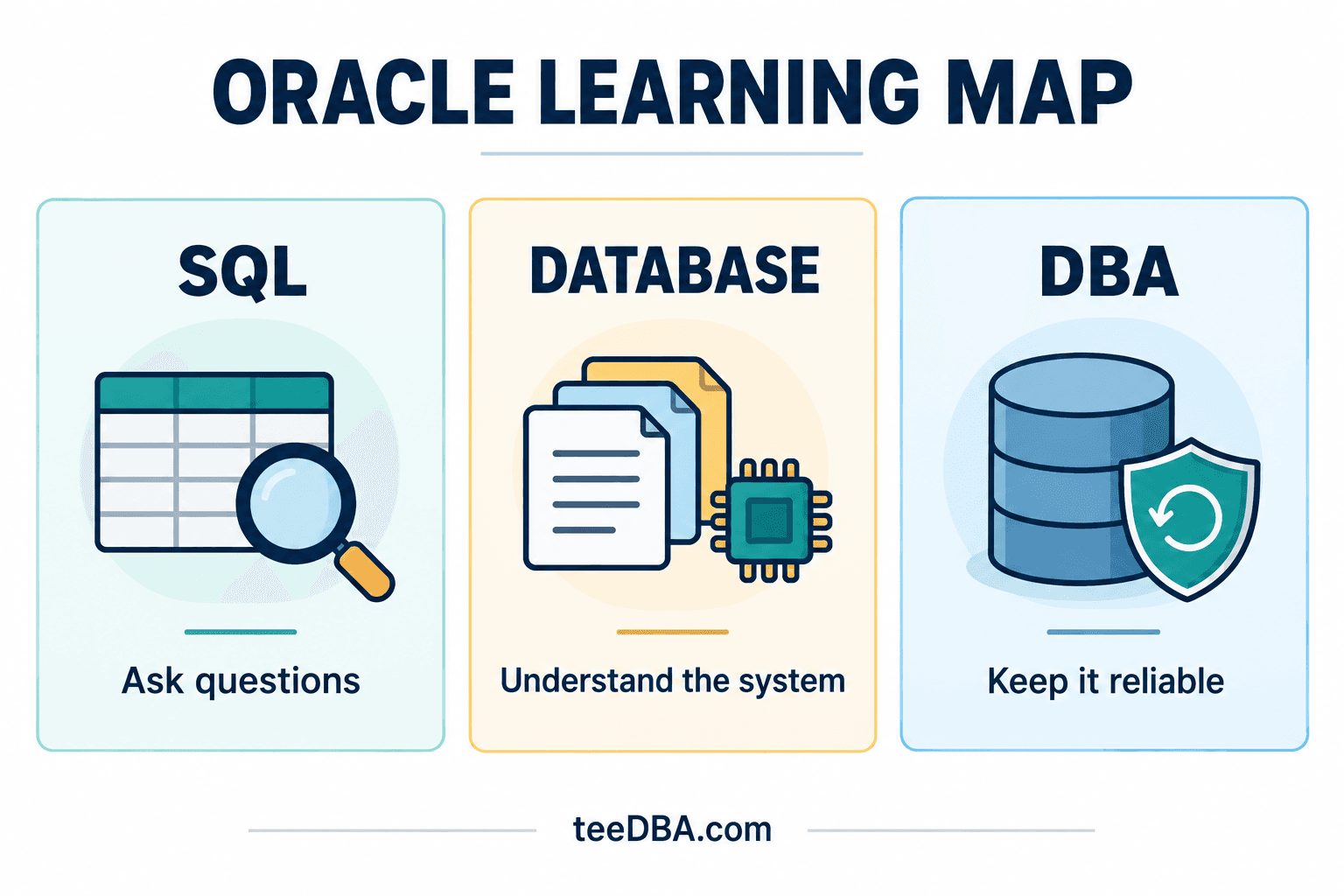
Where Do the Database, Instance, and DBA Fit In?
If your work involves creating reports or writing programs, you can start practising SQL with questions like these. Gradually add column selection, filtering, sorting, and totals according to the work you need to do. Practise explaining what each row in the results means.
When you want to understand how SQL works with stored data, look at the database and the instance. The database is the set of files on disk. The instance is the memory and processes that work with the database. This distinction helps when learning how Oracle starts up and how users connect.
If you’re responsible for looking after the system, add the work of a database administrator (DBA). Can users connect? Do they have the permissions they need? Is there enough storage space? How will you recover the data if something goes wrong? Each question gives you a topic to work on.
These areas connect. If you write reports, learning more about the system can help you understand how your SQL works. If you look after the system, you still need to read SQL and discuss it with the people using the data. Start where your work takes you, then add other topics as you need them.
Try finishing this sentence: “I want to see ___ from ___ data.” Then practise answering that question with a small dataset you can check yourself.
Explore more topics in the Oracle articles on teeDBA.com.
Related articles
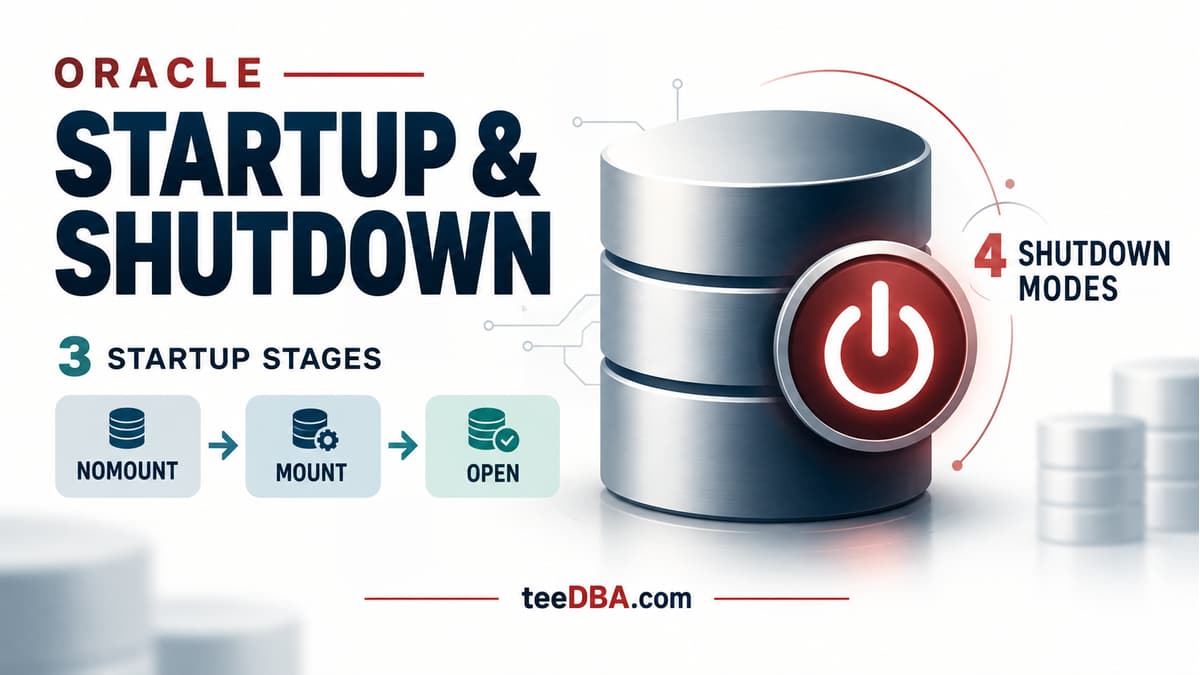
Oracle STARTUP and SHUTDOWN: what happens at each stage?
Understand NOMOUNT, MOUNT and OPEN, the four shutdown modes, and why SHUTDOWN ABORT requires instance recovery.
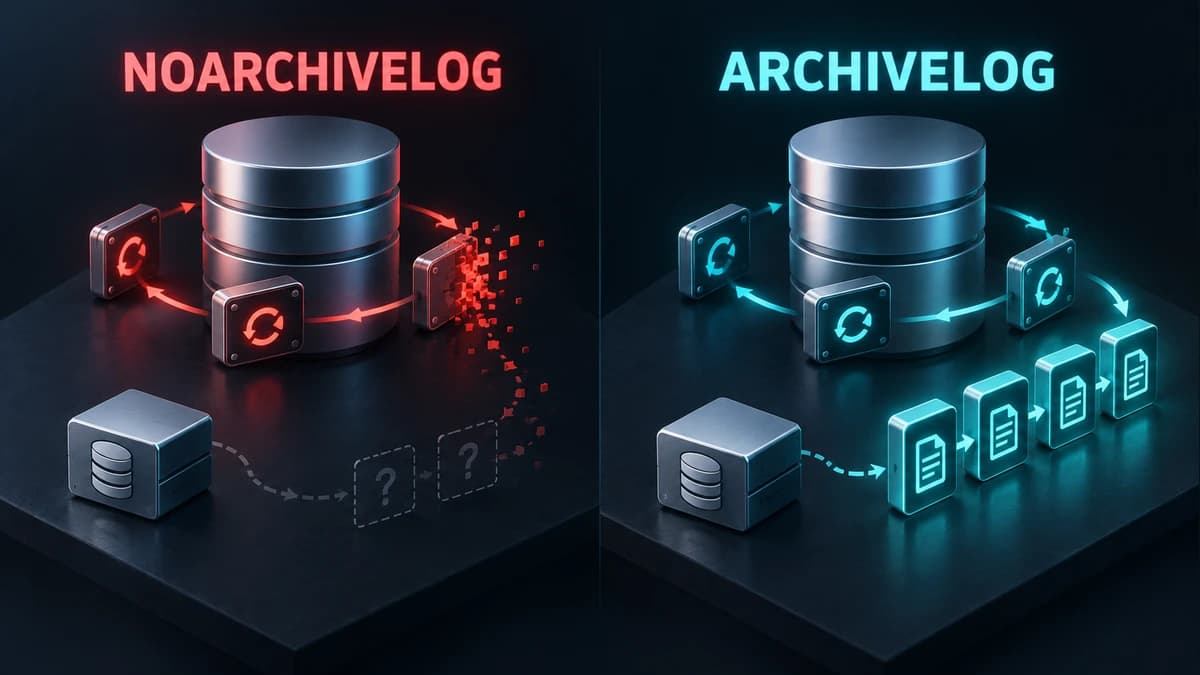
Check ARCHIVELOG mode before you need to recover
Understand ARCHIVELOG and NOARCHIVELOG, check your database mode, and plan the switch before a recovery incident.
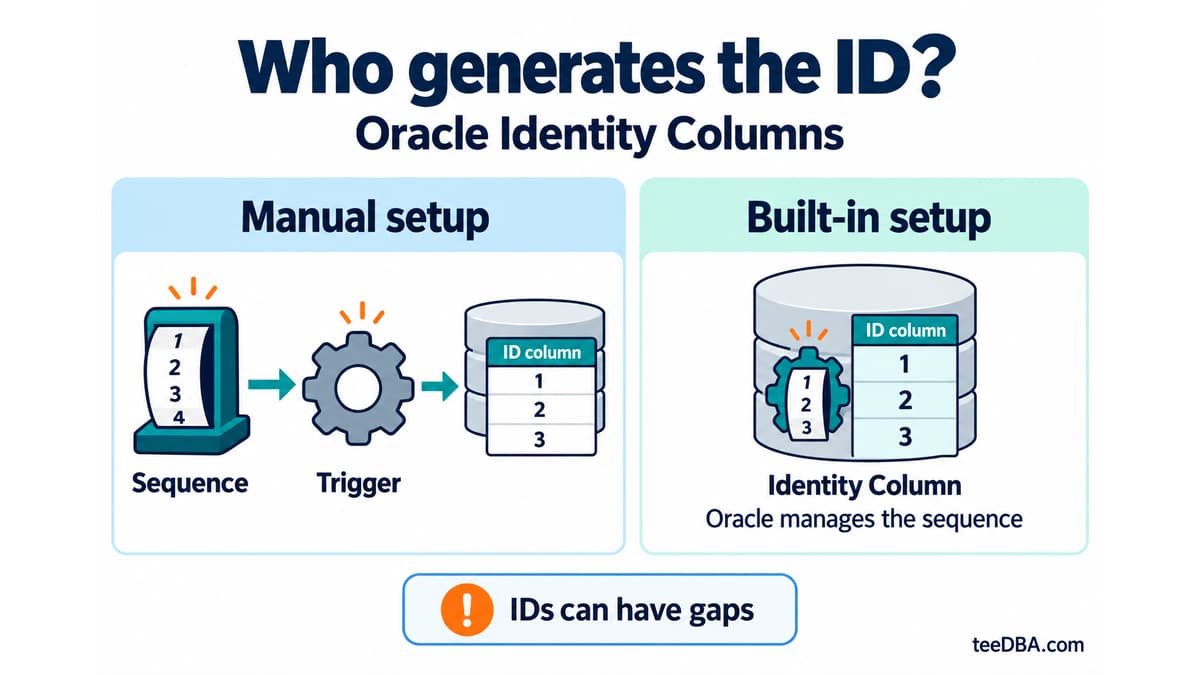
Auto-increment in Oracle without a trigger: Identity Columns
Use Identity Columns in Oracle 12c and later instead of managing a sequence and trigger. Learn the three generation modes and what to check during migration.