Why Do Two Sessions See Different Data?
Why does Session A read 100 while Session B reads 120, even though they use the same SELECT statement and run their queries at nearly the same time? Is Oracle reading the data incorrectly? Let's trace what actually happens through the sequence of UPDATE and COMMIT operations.
Why does Session A read 100 while Session B reads 120, even though they use the same SELECT statement and run their queries at nearly the same time? Is Oracle reading the data incorrectly? Let's trace what actually happens through the sequence of UPDATE and COMMIT operations.
Read Committed Isolation Level: This is the default transaction isolation level in Oracle Database. Each SELECT statement sees only its own transaction's changes, including uncommitted changes, and data that other transactions have committed before that SELECT statement begins (Statement-Level Read Consistency).
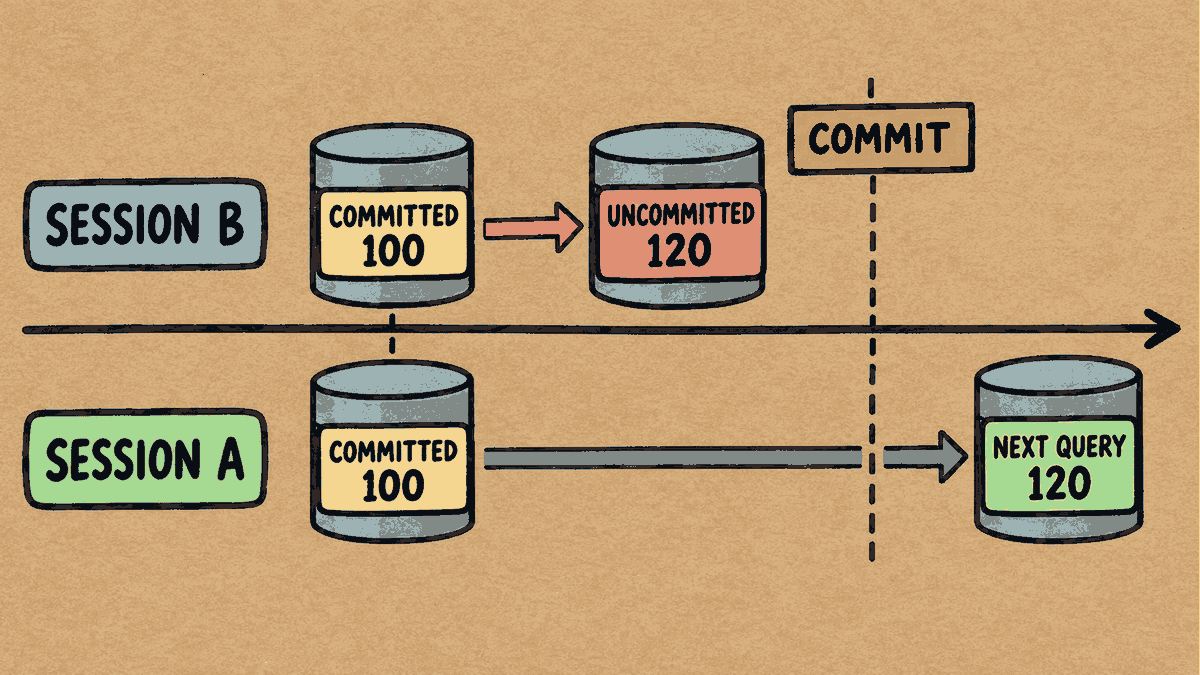
Concept illustration: In this READ COMMITTED example, A reads 100 before B commits, and a new query after the commit reads 120.
Step 1: Prepare the Table and Initial Data
Run these statements once in a test schema to prepare the data:
CREATE TABLE demo_balance (
    account_id NUMBER PRIMARY KEY,
    balance NUMBER
);

INSERT INTO demo_balance VALUES (1, 100);
COMMIT;
Have Session A run a query to read the initial data:
SELECT balance FROM demo_balance WHERE account_id = 1;
     BALANCE
------------
         100

1 row selected.
Step 2: Have Session B Update the Data Without Committing
Session B: Update the balance to 120, but do not commit yet.
UPDATE demo_balance SET balance = 120 WHERE account_id = 1;
1 row updated.
Then have Session A run the same SELECT statement again:
SELECT balance FROM demo_balance WHERE account_id = 1;
     BALANCE
------------
         100

1 row selected.
But when Session B runs the same SELECT statement within its own session:
SELECT balance FROM demo_balance WHERE account_id = 1;
     BALANCE
------------
         120

1 row selected.
Interpreting the results:
- Session A still sees a balance of
100because Oracle prevents dirty reads (reading data that has not yet been committed) by retrieving the previous version of the data from an undo segment. - Session B sees a balance of
120because Oracle always allows a session to see changes made by its own transaction.
Step 3: Have Session B Commit, Then Start a New Query in Session A
Switch to Session B and end the transaction:
COMMIT;
Commit complete.
Then have Session A run the SELECT statement again:
SELECT balance FROM demo_balance WHERE account_id = 1;
     BALANCE
------------
         120

1 row selected.
Interpreting the results:
This time, Session A reads 120 because this is a new SELECT statement that begins after Session B has committed.
Step 4: The Difference Between Statement-Level and Transaction-Level Consistency
- Statement-Level Read Consistency: Oracle always guarantees data consistency within each individual
SELECTstatement. If someone changes and commits data while an existing query is running, that query continues to see the data snapshot from the moment it began. - A common misunderstanding about running multiple
SELECTstatements: UnderREAD COMMITTED, eachSELECTstatement establishes a new data snapshot. So, if a report runs severalSELECTstatements in sequence, the values returned by the first and subsequent statements may differ if another session commits changes between them. - Reports that need a shared data snapshot: If multiple
SELECTstatements need to read the same data snapshot throughout the transaction (Transaction-Level Read Consistency), useSET TRANSACTION READ ONLY;or change the isolation level toSERIALIZABLE.
Troubleshooting Tips
When sessions or application screens show different data, record the events in the order they actually occurred:
- Which session made the change? (And when did it make the change?)
- Which session read the data? (And when did that
SELECTstatement begin?) - Did the
COMMIToccur before or after thatSELECTstatement began?
Tracing these three events in chronological order helps you determine precisely whether the system is behaving as its isolation level requires, without having to guess.
You can read more Oracle topics in the Oracle articles on teeDBA.com.
Related articles
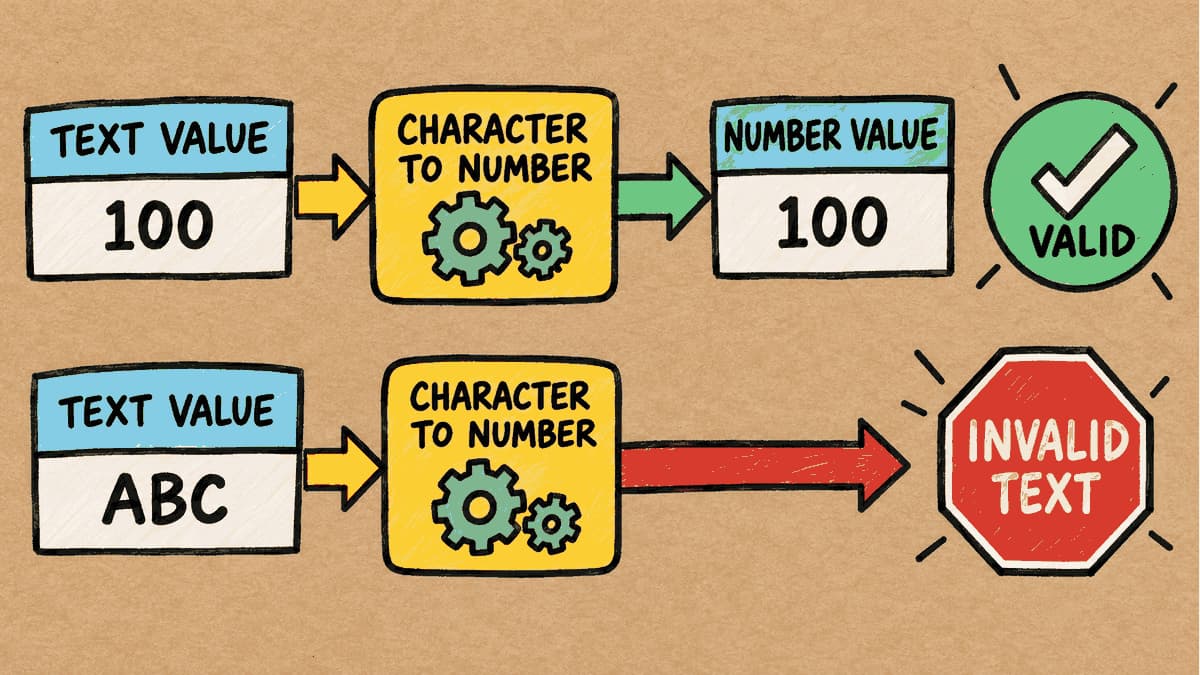
The Column Contains Text, but the Condition Uses a Number: How Does Oracle Compare Them?
If a table column is designed to store text (VARCHAR2), but the SQL WHERE condition supplies a number (NUMBER) for comparison, what happens to a statement that ran successfully on day one when a value such as 'ABC' is added to the table? We'll test this and look at the actual results before and after adding the new data.
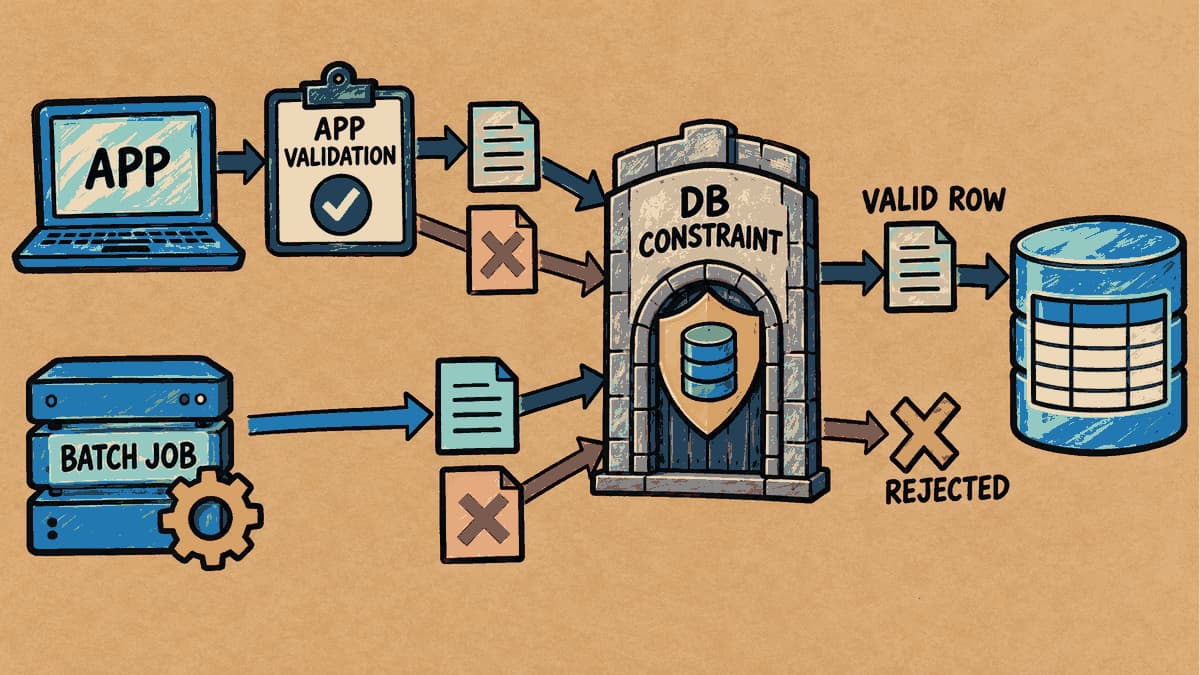
If the App Already Validates Data, Do We Still Need Database Constraints?
The web form or application already validates data. But if a script, batch job, or another program writes to the same table, do those business rules still apply across every entry point? In this article, we'll add constraints to a table and run statements to see both what succeeds and what the database refuses to save.
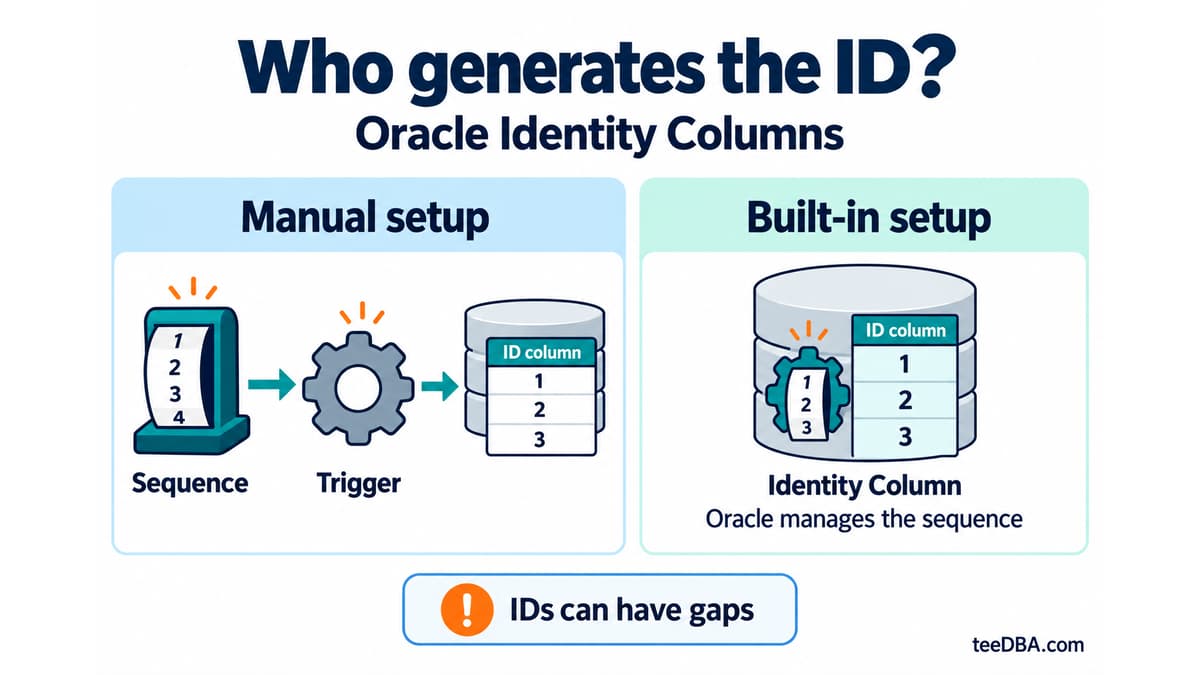
Auto-increment in Oracle without a trigger: Identity Columns
Use Identity Columns in Oracle 12c and later instead of managing a sequence and trigger. Learn the three generation modes and what to check during migration.