If the App Already Validates Data, Do We Still Need Database Constraints?
The web form or application already validates data. But if a script, batch job, or another program writes to the same table, do those business rules still apply across every entry point? In this article, we'll add constraints to a table and run statements to see both what succeeds and what the database refuses to save.
The web form or application already validates data. But if a script, batch job, or another program writes to the same table, do those business rules still apply across every entry point? In this article, we'll add constraints to a table and run statements to see both what succeeds and what the database refuses to save.
A constraint is a firm rule that the database enforces on data, regardless of whether a statement comes from a form, an application, a batch job, or SQL executed directly.
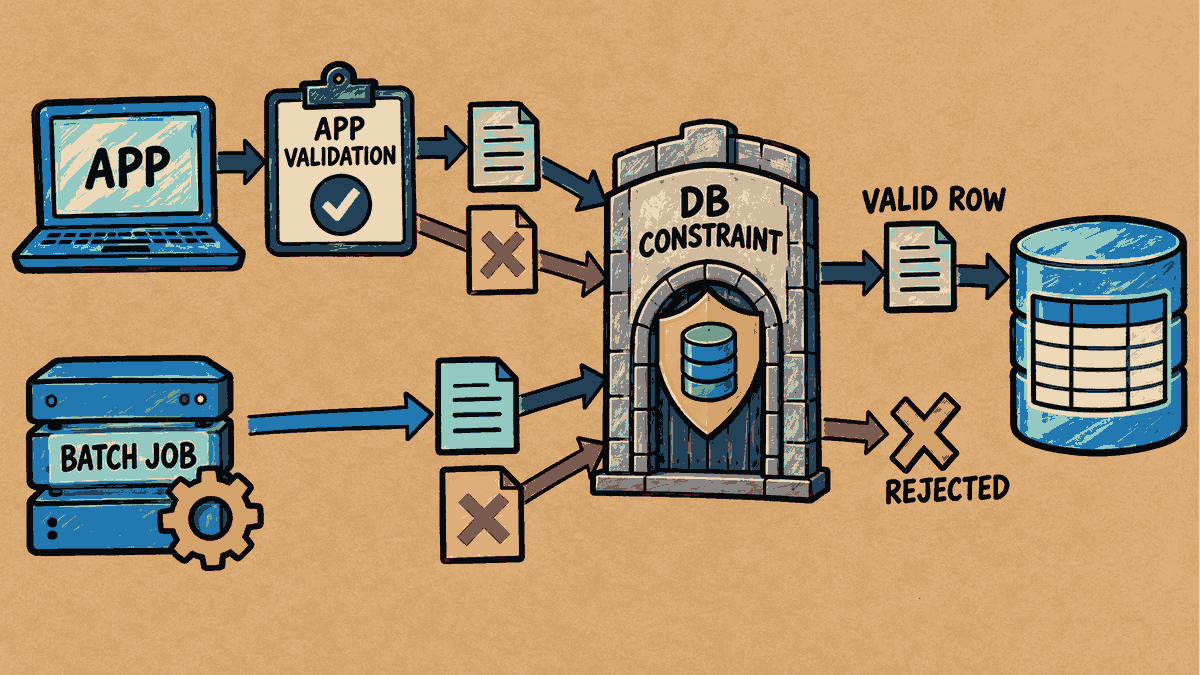
Concept illustration: Constraints validate data in the database, whether statements come from an app or a batch job.
Step 1: Define the Rules and Prepare the Initial Data
Run this set of statements once in a test schema, using table names that do not already exist in the system:
CREATE TABLE customers_demo (
    customer_id NUMBER PRIMARY KEY
);

CREATE TABLE orders_demo (
    order_id NUMBER PRIMARY KEY,
    customer_id NUMBER NOT NULL REFERENCES customers_demo(customer_id),
    status VARCHAR2(10) NOT NULL CHECK (status IN ('NEW', 'PAID'))
);

INSERT INTO customers_demo VALUES (120);
INSERT INTO orders_demo VALUES (101, 120, 'NEW');
COMMIT;
The rules defined in the tables:
- PRIMARY KEY: Disallows duplicate values and NULLs.
- NOT NULL: Requires a value; it cannot be left empty.
- CHECK: Restricts values to those specified in the rule (in this case,
'NEW'or'PAID'). - REFERENCES (Foreign Key): Requires the referenced
customer_idto exist in the customer table (customers_demo).
In this example, order 101 belongs to customer 120 and has the status 'NEW'.
Step 2: Check the Row That Meets the Rules
Query the data to confirm that it was saved:
SELECT order_id, customer_id, status FROM orders_demo;
    ORDER_ID  CUSTOMER_ID STATUS
------------ ------------ ----------
         101          120 NEW

1 row selected.
Order 101 references customer 120, who exists in the system, and uses the status 'NEW'. It meets all the rules, so the data was saved successfully.
Step 3: Test Each Type of Rule Violation
Case 1: Try an Unapproved Status
Try submitting the status 'SHIPPED', which is not allowed by the CHECK condition:
INSERT INTO orders_demo VALUES (102, 120, 'SHIPPED');
INSERT INTO orders_demo VALUES (102, 120, 'SHIPPED')
*
ERROR at line 1:
ORA-02290: check constraint (KB_MKT_LAB_20261014_R2.SYS_C008588) violated
Help: https://docs.oracle.com/error-help/db/ora-02290/
Result: The database returns ORA-02290, indicating that a check constraint was violated. (SYS_C008588 is the name the database generated automatically in this test.)
Case 2: Use a Valid Status but Specify a Customer ID That Does Not Exist
Try submitting the status 'NEW' with customer_id set to 999, which does not exist in the customer table:
INSERT INTO orders_demo VALUES (103, 999, 'NEW');
INSERT INTO orders_demo VALUES (103, 999, 'NEW')
*
ERROR at line 1:
ORA-02291: integrity constraint (KB_MKT_LAB_20261014_R2.SYS_C008590) violated - parent key not found
Help: https://docs.oracle.com/error-help/db/ora-02291/
Result: The database returns ORA-02291, indicating that the parent key was not found. This shows that the database clearly distinguishes between violations of the different rules.
Step 4: Check the Data in the Table
Run a query to check whether any invalid rows made it into the table:
SELECT order_id FROM orders_demo ORDER BY order_id;
    ORDER_ID
------------
         101

1 row selected.
The query shows that only order 101 exists. Both attempts that failed the rules were rejected, and neither added a row to the table. Checking the actual table contents matters because it confirms the state of the data more reliably than reading error messages alone.
Applying These Principles in Practice
- Dividing Responsibilities (Defense in Depth): The application should still perform initial validation in the form so it can give users clear, understandable messages. Database constraints serve as the final line of defense, enforcing data integrity across every entry point.
- Naming Constraints: In practice, I recommend explicitly naming constraints (for example,
CONSTRAINT chk_order_status CHECK...) rather than letting the system generate names. This makes problems easier to diagnose in production. - Checking Existing Data Before Adding Constraints: Before adding a new rule to a live table, carefully check the existing data and confirm the business rules. A condition that is too restrictive could block valid data.
Related articles
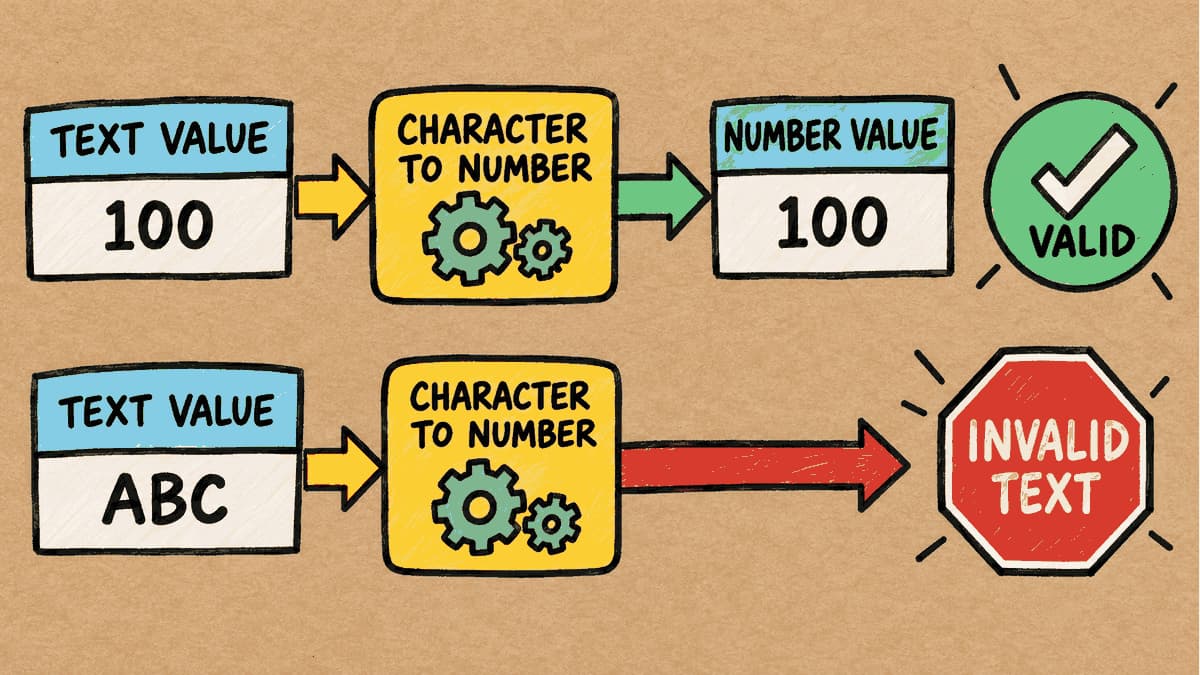
The Column Contains Text, but the Condition Uses a Number: How Does Oracle Compare Them?
If a table column is designed to store text (VARCHAR2), but the SQL WHERE condition supplies a number (NUMBER) for comparison, what happens to a statement that ran successfully on day one when a value such as 'ABC' is added to the table? We'll test this and look at the actual results before and after adding the new data.
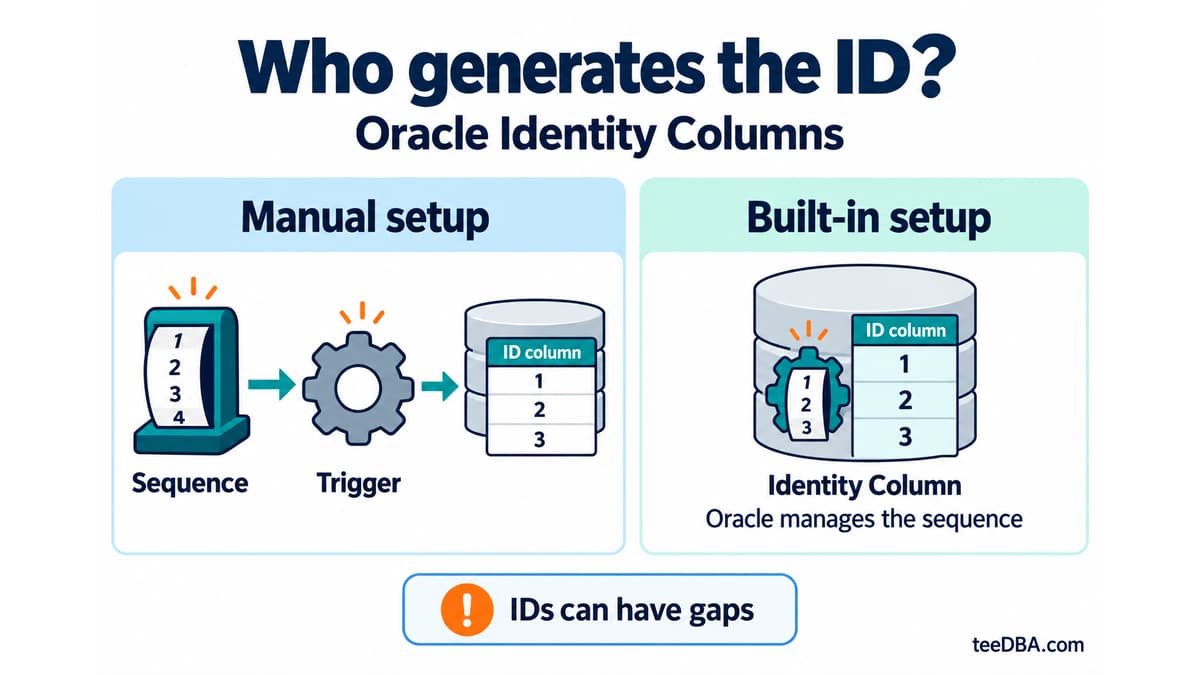
Auto-increment in Oracle without a trigger: Identity Columns
Use Identity Columns in Oracle 12c and later instead of managing a sequence and trigger. Learn the three generation modes and what to check during migration.
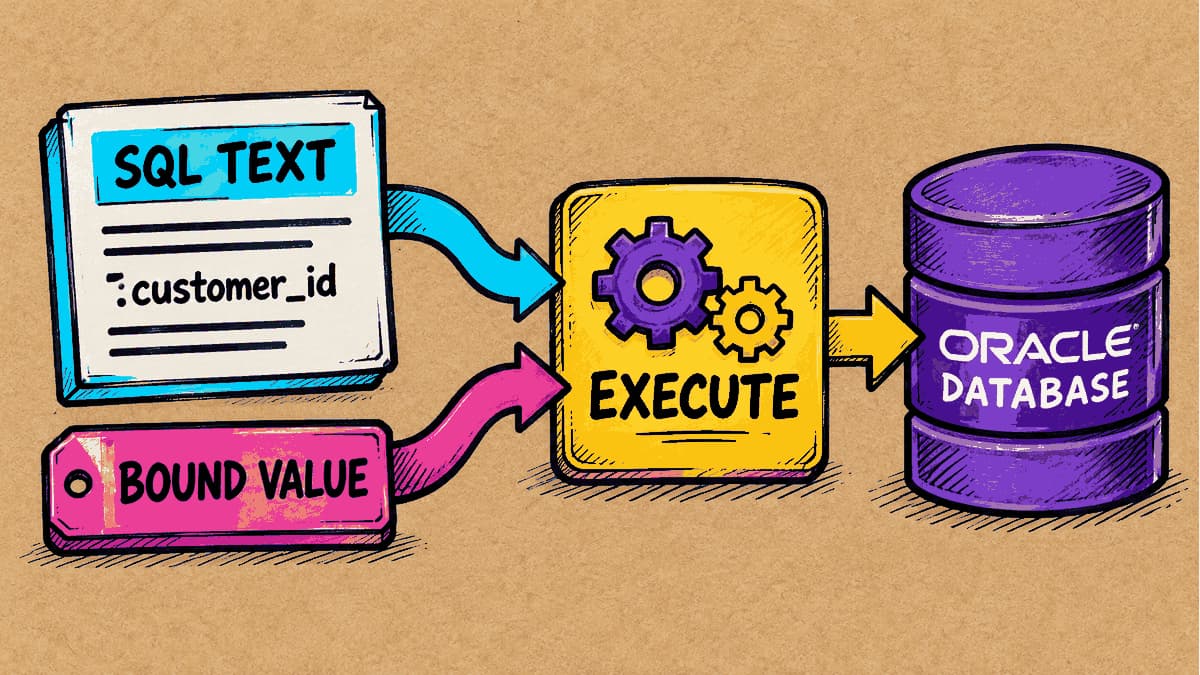
What Is a Bind Variable, and Why Should Values Be Kept Separate from SQL Text?
If two SQL statements differ only in the number used in a condition, will Oracle treat them as separate statements? We’ll run SQL with a bind variable and examine the evidence in the cursor stored by the database.