The Column Contains Text, but the Condition Uses a Number: How Does Oracle Compare Them?
If a table column is designed to store text (VARCHAR2), but the SQL WHERE condition supplies a number (NUMBER) for comparison, what happens to a statement that ran successfully on day one when a value such as 'ABC' is added to the table? We'll test this and look at the actual results before and after adding the new data.
If a table column is designed to store text (VARCHAR2), but the SQL WHERE condition supplies a number (NUMBER) for comparison, what happens to a statement that ran successfully on day one when a value such as 'ABC' is added to the table? We'll test this and look at the actual results before and after adding the new data.
Implicit Conversion: This is the mechanism Oracle uses to convert data types automatically while processing a statement. When text is compared with a number, Oracle gives the numeric type higher priority (Data Type Precedence). It therefore attempts to convert the values in the text column to numbers before comparing them. If the table contains a row whose value cannot be converted to a number, an error occurs immediately.
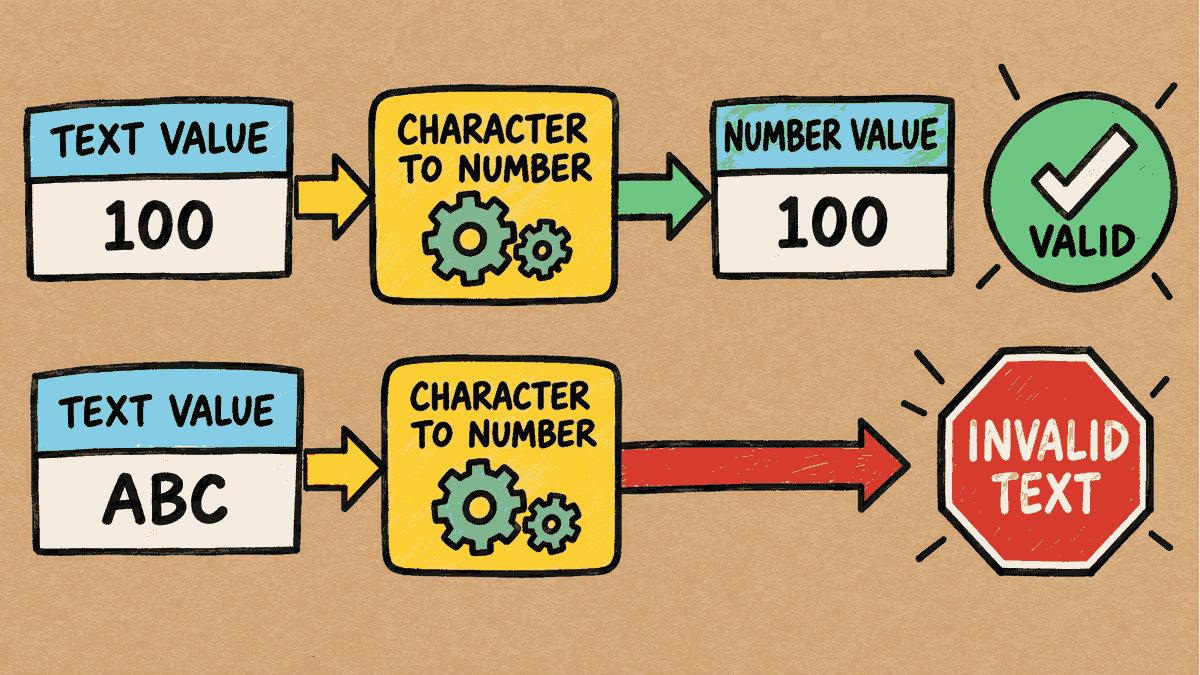
Concept illustration: The text 100 can be converted to a number, but ABC cannot.
Step 1: Prepare the Table and Text Data
Run these statements in a test schema:
CREATE TABLE kb_amount_text (
    amount_text VARCHAR2(10)
);

INSERT INTO kb_amount_text VALUES ('100');
INSERT INTO kb_amount_text VALUES ('250');
COMMIT;
Although the strings '100' and '250' look like numbers, the column is defined as VARCHAR2, and the values were inserted using quotation marks.
Step 2: Compare Text with a Number
Try a WHERE condition that supplies the number 100 without quotation marks:
SELECT amount_text FROM kb_amount_text WHERE amount_text = 100;
AMOUNT_TEX
----------
100

1 row selected.
Result: The statement succeeds and returns '100' because both values currently in the table, '100' and '250', can be converted to numbers for comparison.
(Note: The shortened column heading AMOUNT_TEX comes from the client's display formatting settings. The actual column name in the database is still AMOUNT_TEXT.)
Step 3: Add Text That Cannot Be Converted to a Number
Try inserting the text 'ABC' into the table:
INSERT INTO kb_amount_text VALUES ('ABC');
COMMIT;
1 row created.

Commit complete.
Then run the SELECT statement again with the same condition:
SELECT amount_text FROM kb_amount_text WHERE amount_text = 100;
ERROR:
ORA-01722: unable to convert string value containing 'A' to a number: AMOUNT_TEXT
ORA-03302: (ORA-01722 details) invalid string value: ABC
Help: https://docs.oracle.com/error-help/db/ora-01722/

no rows selected
Results and observations:
- On Oracle 26ai, the system reports
ORA-01722, with additional details throughORA-03302clearly identifying that the value'ABC'in theAMOUNT_TEXTcolumn cannot be converted to a number. - This is more than simply “no matching data.” It is a serious error during statement execution (an Execution Error). Even though the output ends with
no rows selected, we must always check the error messages above it first.
Step 4: Compare Values of the Same Data Type
Modify the SQL statement by putting quotation marks around the numeric value so that the comparison is between text and text (VARCHAR2 vs VARCHAR2):
SELECT amount_text FROM kb_amount_text WHERE amount_text = '100';
AMOUNT_TEX
----------
100

1 row selected.
Result: The query succeeds and correctly returns '100'. Oracle compares text directly with text, so it no longer needs to attempt to convert 'ABC' to a number.
Best Practices
- Choose a data type that matches the intended use:
- If the column stores monetary amounts or values used in calculations, use
NUMBERwhen designing the table. - If it stores codes that must retain leading zeros, such as
'00100', useVARCHAR2for both storage and value binding in the application. - Wrapping the column in
TO_NUMBER()in the SQL statement is not a proper fix, because it does not repair invalid data such as'ABC'in the table.
- If the column stores monetary amounts or values used in calculations, use
- Performance impact (Index Suppression): Allowing implicit conversion on a column in a
WHEREcondition prevents Oracle from using a normal index (Standard B-Tree Index) on that column, forcing the system to perform a Full Table Scan every time. - NLS (National Language Support): When accepting numbers as text, take care with the interpretation of decimal separators and commas, as this also depends on the NLS settings of each session/database.
Read more Oracle technical articles at Oracle articles on teeDBA.com.
Related articles
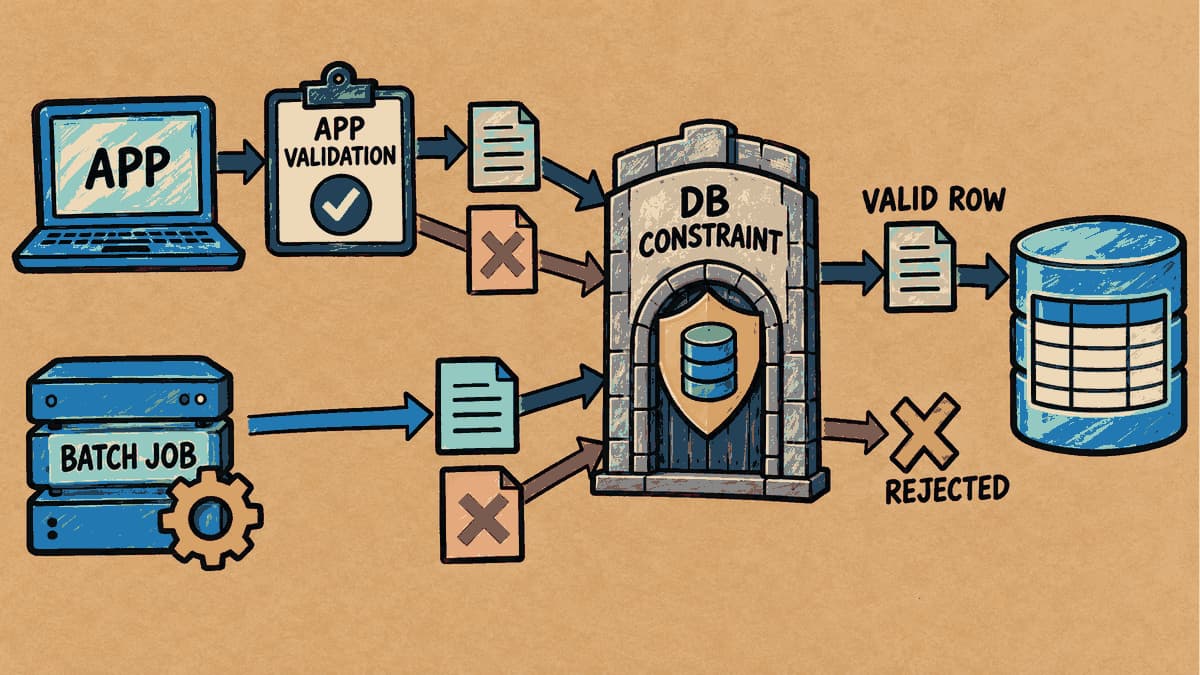
If the App Already Validates Data, Do We Still Need Database Constraints?
The web form or application already validates data. But if a script, batch job, or another program writes to the same table, do those business rules still apply across every entry point? In this article, we'll add constraints to a table and run statements to see both what succeeds and what the database refuses to save.
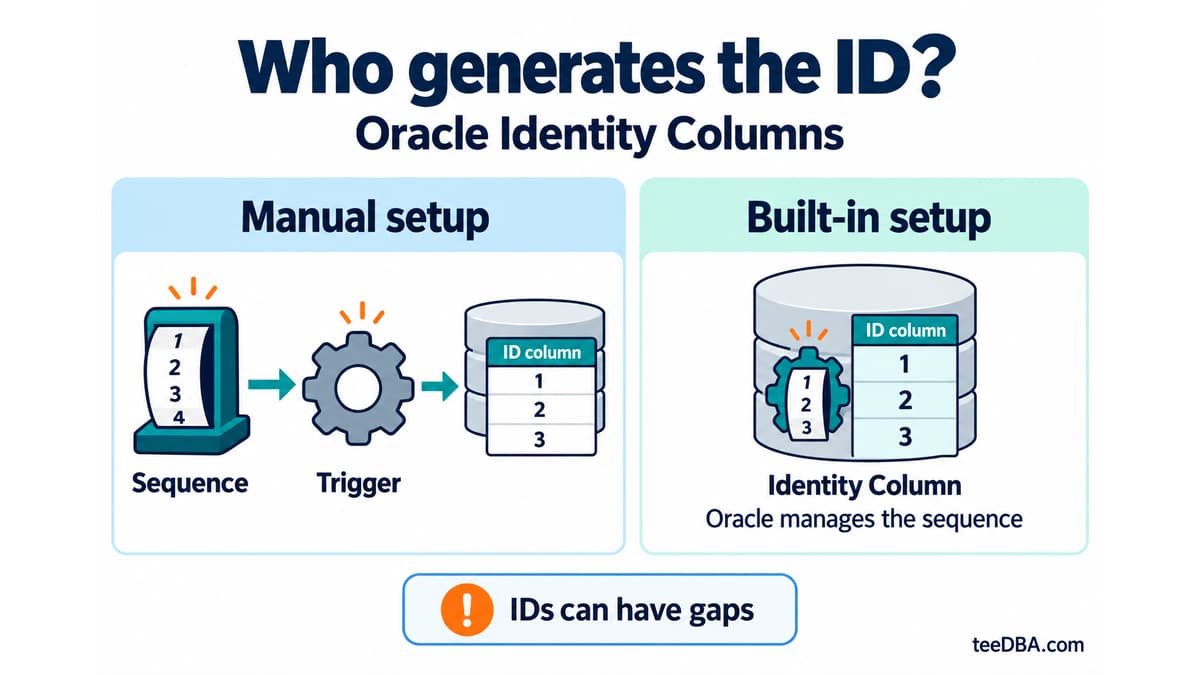
Auto-increment in Oracle without a trigger: Identity Columns
Use Identity Columns in Oracle 12c and later instead of managing a sequence and trigger. Learn the three generation modes and what to check during migration.
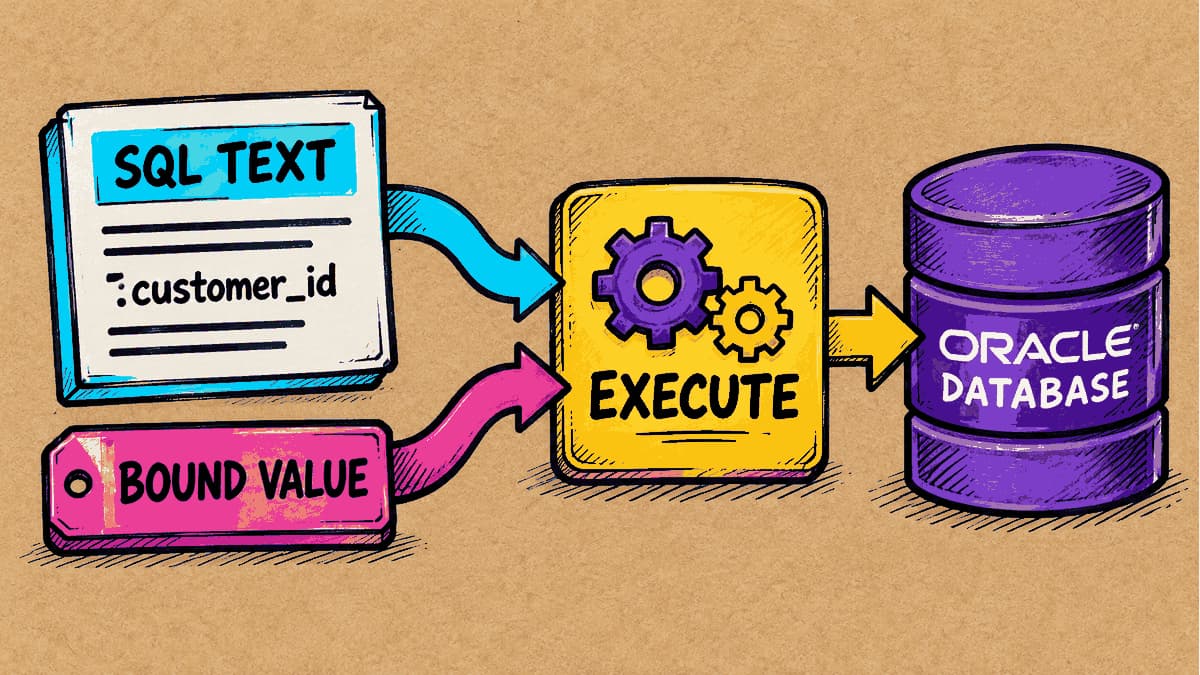
What Is a Bind Variable, and Why Should Values Be Kept Separate from SQL Text?
If two SQL statements differ only in the number used in a condition, will Oracle treat them as separate statements? We’ll run SQL with a bind variable and examine the evidence in the cursor stored by the database.