UPDATE Is Stuck: How Can You Tell Whether It Is Waiting for a Lock?
You run an UPDATE, but the screen seems frozen. No result comes back, and no error appears. Could your statement be waiting for a lock held by another session? In this article, we will reproduce the situation by having Session A hold a lock on a row while Session B tries to update the same row. We will then collect evidence and observe how the database behaves while the statement is waiting.
You run an UPDATE, but the screen seems frozen. No result comes back, and no error appears. Could your statement be waiting for a lock held by another session? In this article, we will reproduce the situation by having Session A hold a lock on a row while Session B tries to update the same row. We will then collect evidence and observe how the database behaves while the statement is waiting.
Row Lock (Exclusive Lock): This database mechanism prevents two transactions from modifying the same row at the same time. The session that starts modifying the row first holds the lock until it ends its transaction with COMMIT or ROLLBACK.
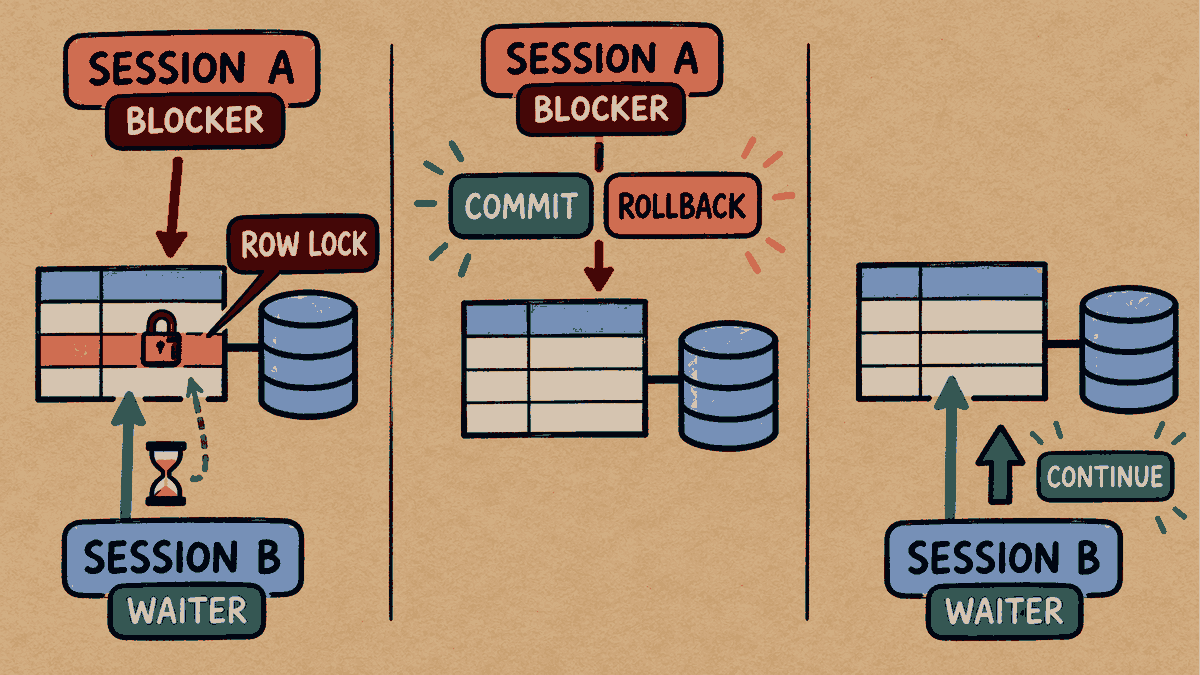
Concept illustration: B waits to update the same row until A ends its transaction; this lab uses COMMIT to let B continue.
Step 1: Prepare the Test Table and Data
Run these statements in a test schema to prepare the row:
CREATE TABLE kb_lock_orders (
    order_id NUMBER PRIMARY KEY,
    status VARCHAR2(20)
);

INSERT INTO kb_lock_orders VALUES (10, 'PENDING');
COMMIT;
Step 2: Reproduce Lock Contention
Open Session A: Update the status of order 10, but do not issue COMMIT yet.
UPDATE kb_lock_orders SET status = 'PAID' WHERE order_id = 10;
1 row updated.
Session A completes its update and holds the row lock. Next, open Session B and update the same row:
UPDATE kb_lock_orders SET status = 'SHIPPED' WHERE order_id = 10;
What happens in Session B:
Session B appears frozen and does not yet return a message confirming that the update succeeded. It has to wait for Session A to end its transaction first.
Step 3: Check V$SESSION for Evidence of the Wait
Open a DBA session and query the status of the session that is currently waiting:
SELECT sid, blocking_session, event
FROM v$session
WHERE username = 'KB_MKT_LAB_20261014_R2'
  AND state = 'WAITING'
  AND event = 'enq: TX - row lock contention';
       SID BLOCKING_SESSION EVENT
---------- ---------------- -----------------------------------
        68              287 enq: TX - row lock contention

1 row selected.
Interpreting the results:
SID 68(Session B) is the waiting session.BLOCKING_SESSION 287(Session A) identifies the session holding the lock.EVENT = enq: TX - row lock contentionconfirms that the session is waiting because of row lock contention.
Additional Test: Reading Data in Session C (Read Consistency)
Open Session C and run a normal query against this table while Session A has not yet issued COMMIT:
SELECT status FROM kb_lock_orders WHERE order_id = 10;
STATUS
--------------------
PENDING

1 row selected.
Result: Session C immediately reads 'PENDING', the last committed status, without being blocked. This is Oracle's Read Consistency feature. It uses data from the undo segment so that a SELECT can always read data without waiting for an UPDATE.
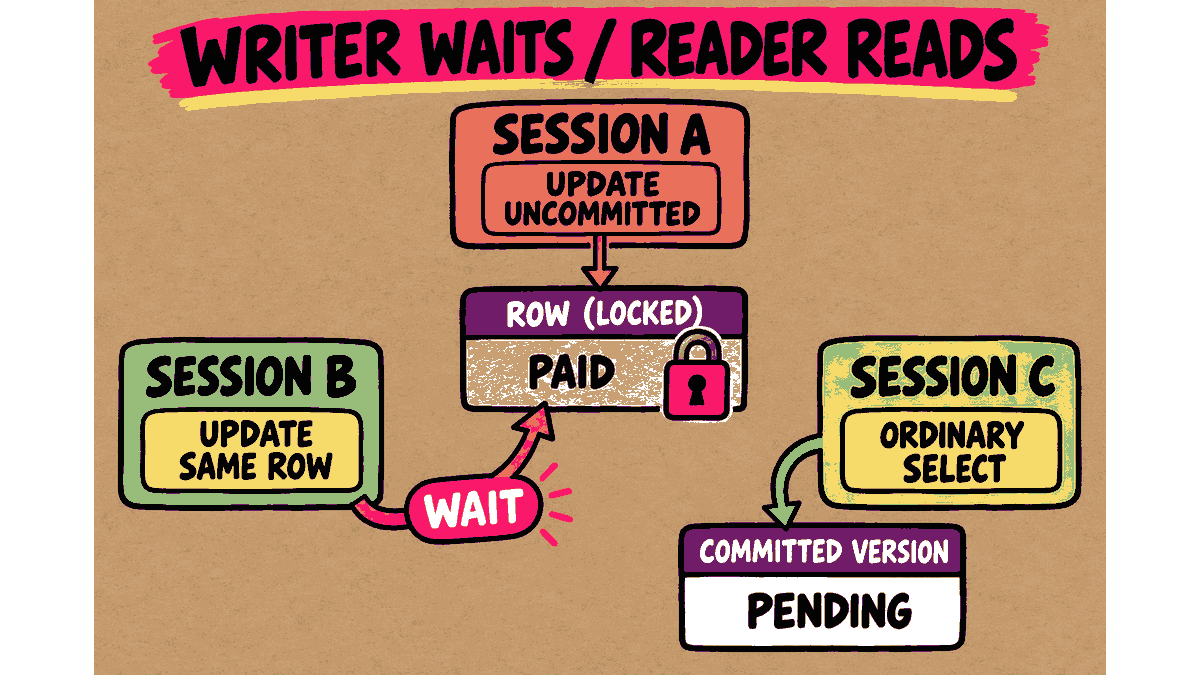
Concept illustration: While A has not yet committed, B waits to update the same row, but C's normal SELECT can read the committed value PENDING.
Step 4: Release the Lock in Session A and Observe the Result in Session B
Switch back to Session A and end the transaction:
COMMIT;
Commit complete.
As soon as Session A issues COMMIT, the UPDATE that was waiting in Session B immediately resumes and completes successfully:
1 row updated.
Then switch to Session B, check the result, and issue COMMIT:
SELECT status FROM kb_lock_orders WHERE order_id = 10;
COMMIT;
STATUS
--------------------
SHIPPED

1 row selected.

Commit complete.
Summary: The final status is 'SHIPPED', as specified by Session B's statement. The waiting statement was not lost. It was simply waiting for its turn to run.
Practical Considerations for DBAs (DBA Best Practices)
- Do not rush to kill a session: A report that a statement is “stuck” is not enough on its own to justify issuing
KILL SESSION. - Check the full picture: Before terminating any session, a DBA should always examine the waiting session (
SID), the session holding the lock (BLOCKING_SESSION), and the SQL statement left unfinished in the blocking session to assess the business impact.
Read more Oracle topics in the Oracle articles on teeDBA.com.
Related articles
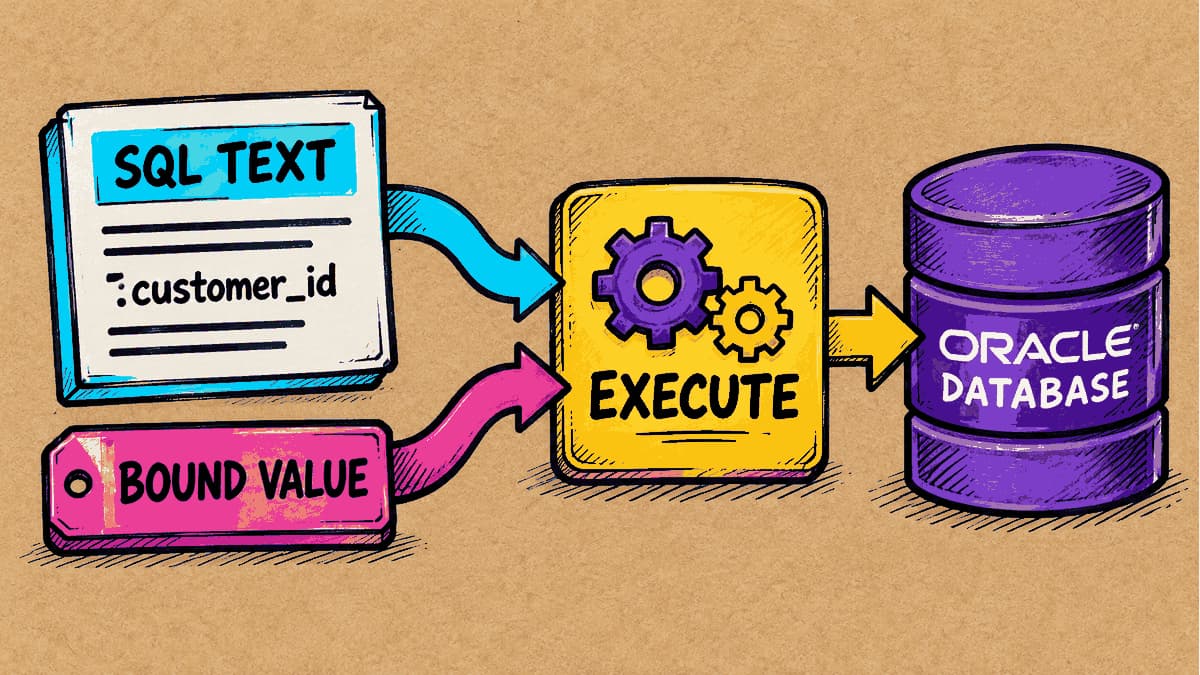
What Is a Bind Variable, and Why Should Values Be Kept Separate from SQL Text?
If two SQL statements differ only in the number used in a condition, will Oracle treat them as separate statements? We’ll run SQL with a bind variable and examine the evidence in the cursor stored by the database.
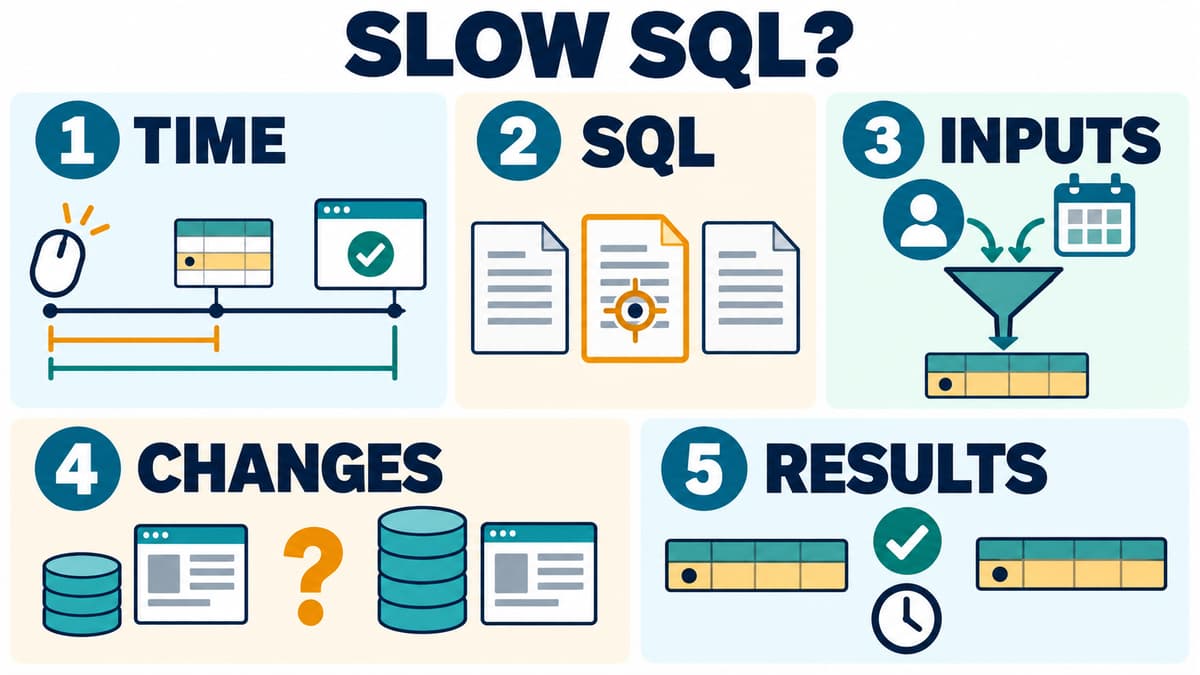
Slow SQL: Where Should You Start? 5 Questions Before Adding an Index
Before adding an index, identify the SQL, input values, timing interval and recent changes, then compare both time and row-level results after a change.
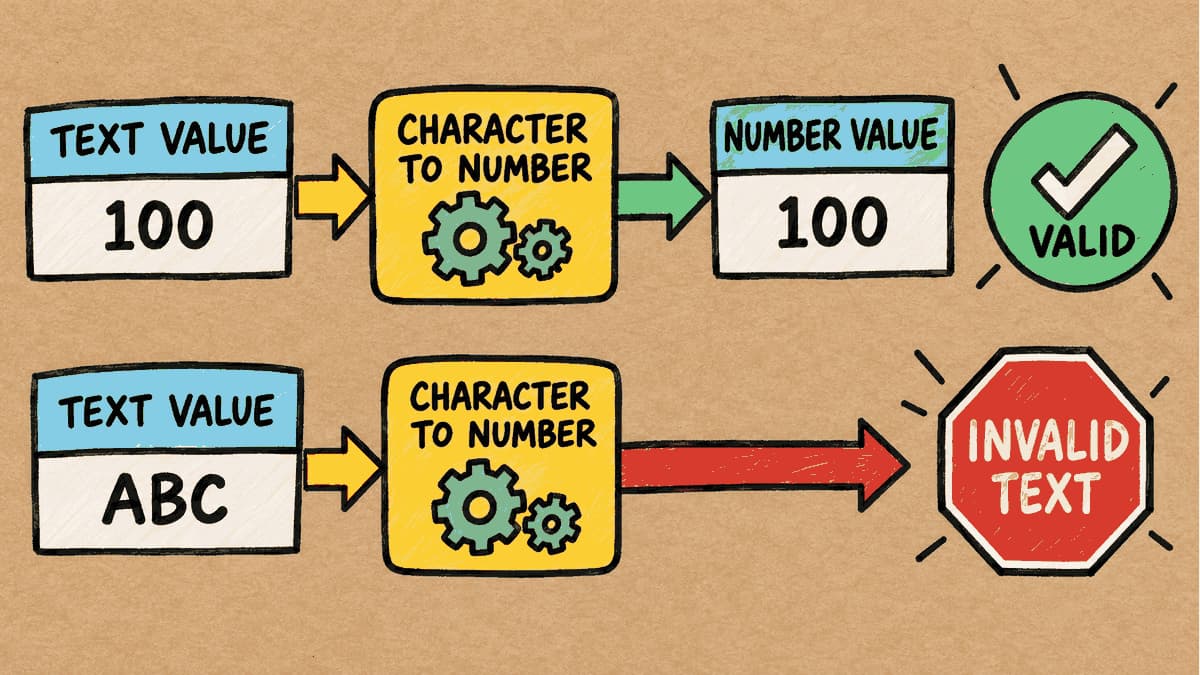
The Column Contains Text, but the Condition Uses a Number: How Does Oracle Compare Them?
If a table column is designed to store text (VARCHAR2), but the SQL WHERE condition supplies a number (NUMBER) for comparison, what happens to a statement that ran successfully on day one when a value such as 'ABC' is added to the table? We'll test this and look at the actual results before and after adding the new data.